


novaPDF
The fully featured PDF creatorDeveloper tools
Integrate novaPDF with your applicationAbout novaPDF
Short overview of novaPDF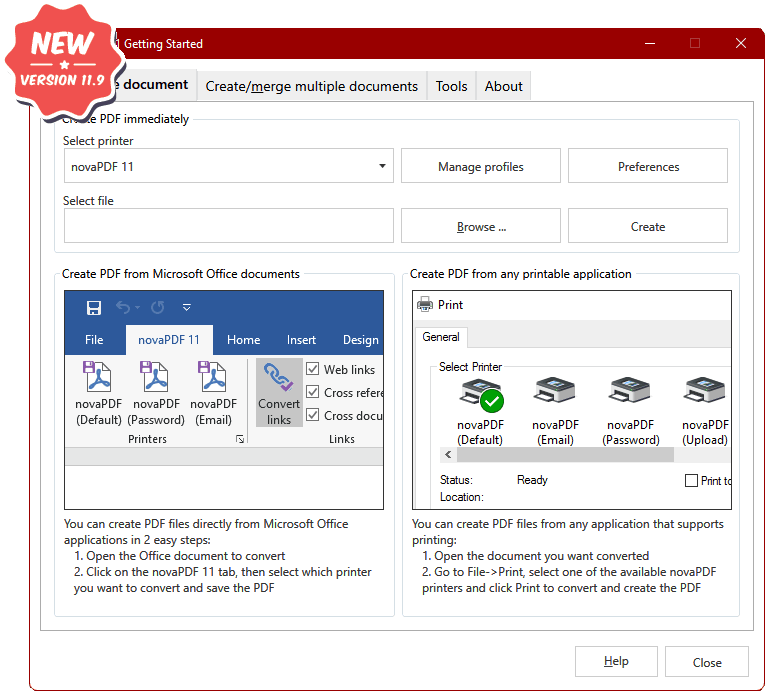
Using novaPDF, both individual users and businesses are able to create PDF documents and easily share them, making the process of collaboration more efficient. With just a few clicks you can have your company’s reports, contracts, workflows, agreements, marketing plans, spreadsheets, forms, products list, price list, charts, emails or other printable documents converted in PDF format.
Its purpose is to enable users to exchange electronic documents easier, independently of the application in which they were initially created. The resulted PDF files can be viewed on any computer with a PDF viewer (reader) installed.
Main features
Here's what makes novaPDF greatAll editions
Universal printing
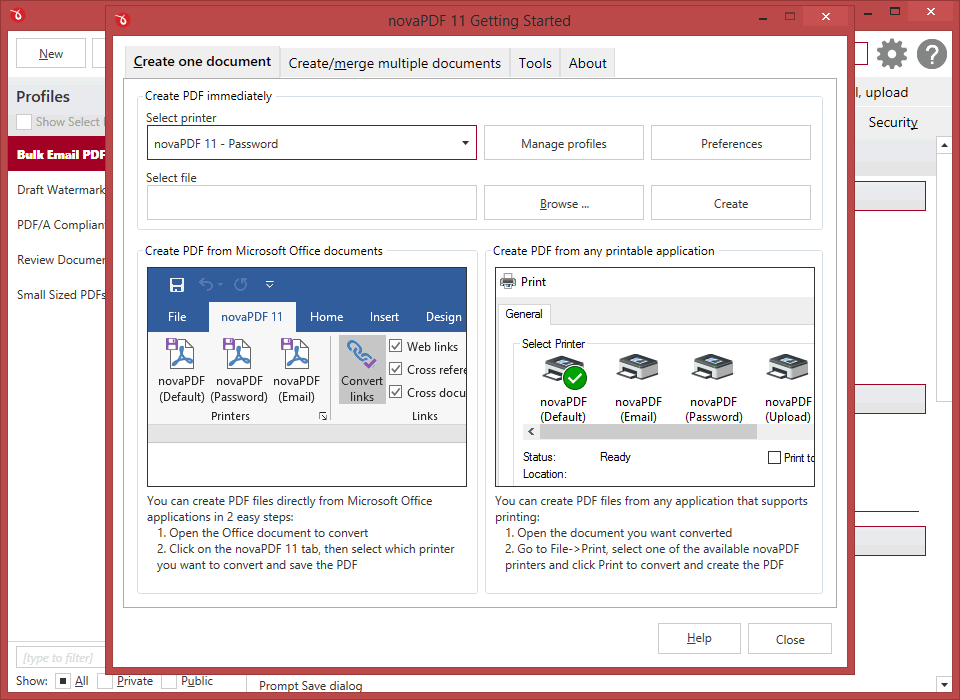
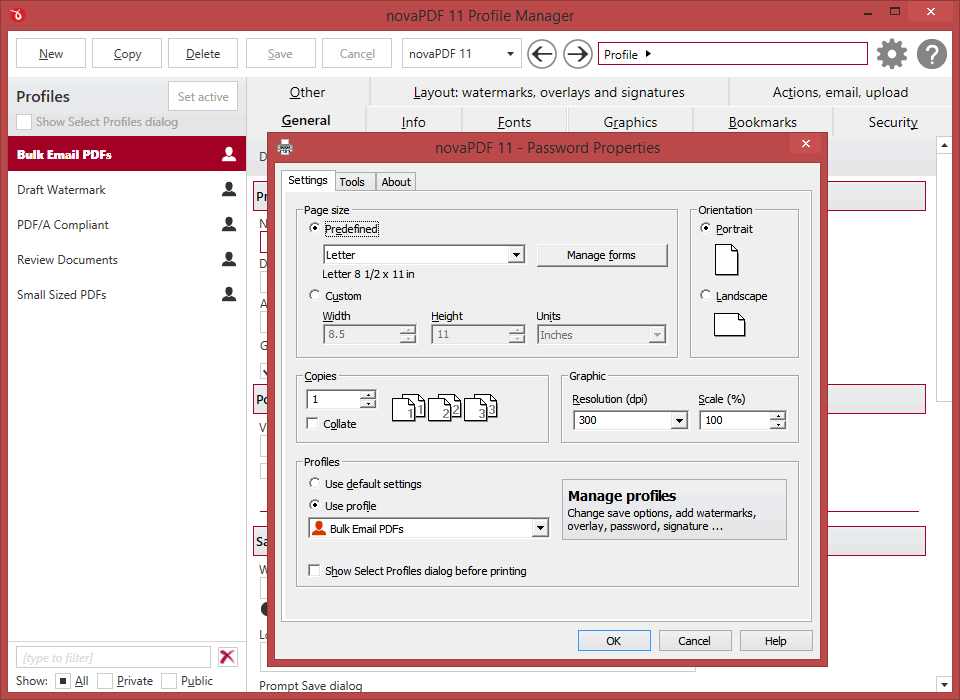
Using novaPDF you convert to PDF any type of printable document (i.e. DOCX, XLSX, PPTX, PUBX, HTML, TXT,...), accessing its functionality through a printer driver interface.
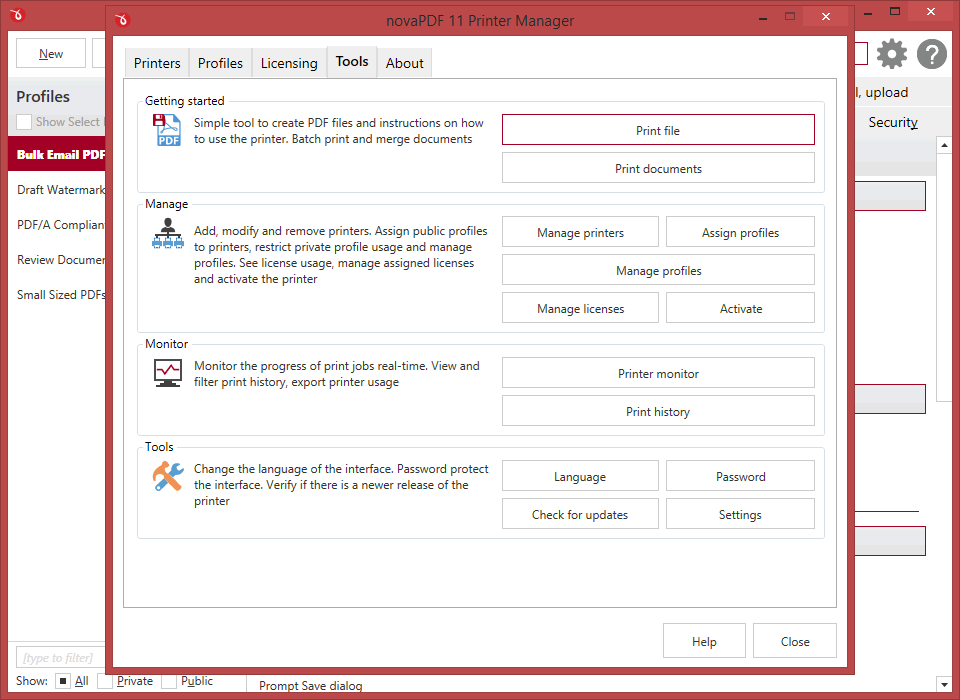
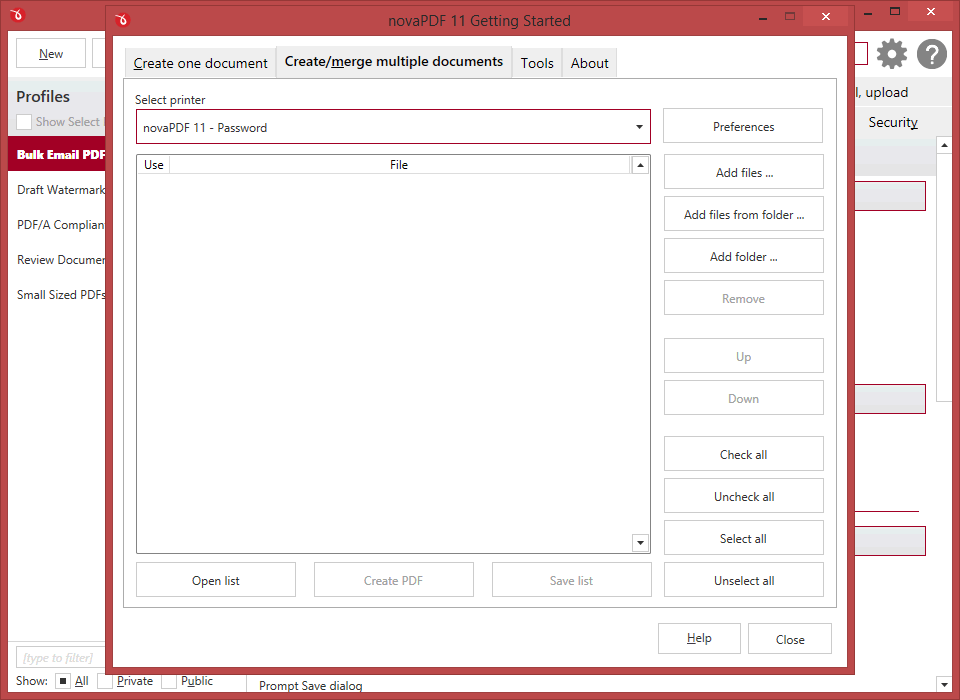
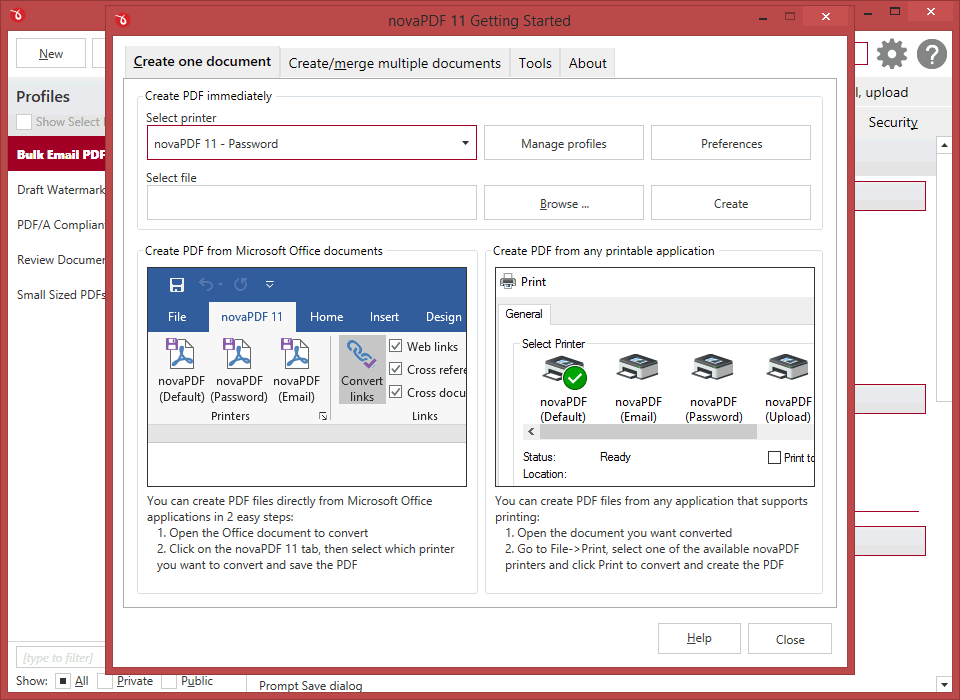
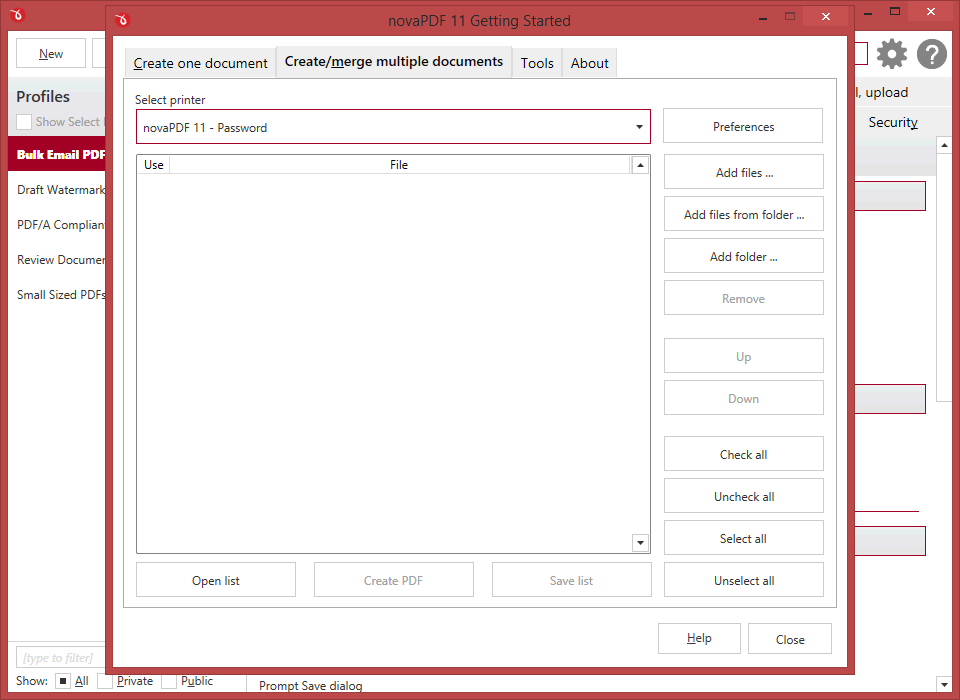
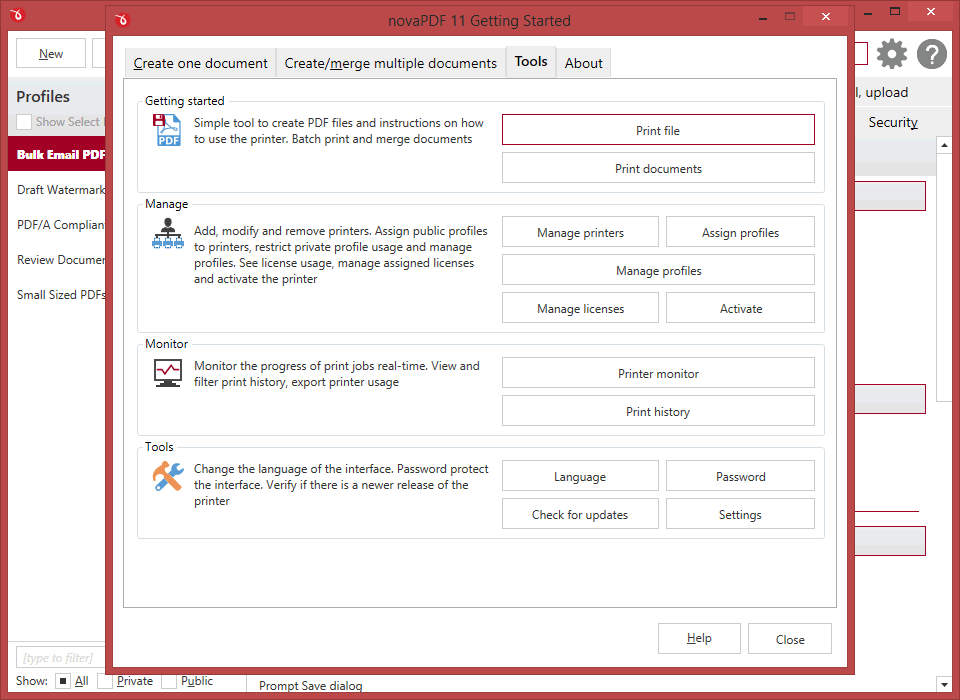
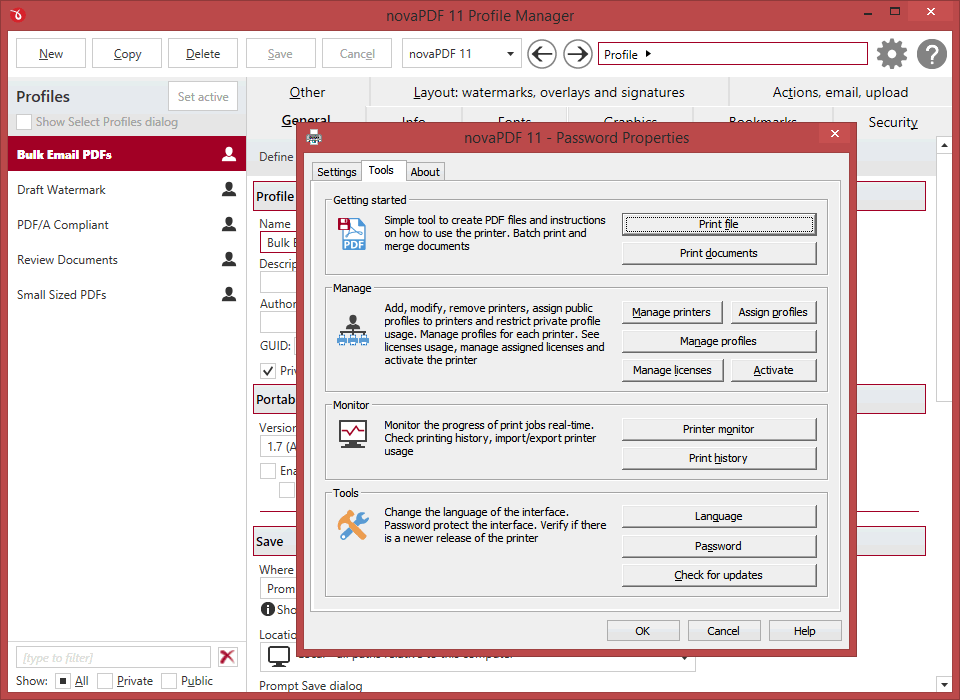
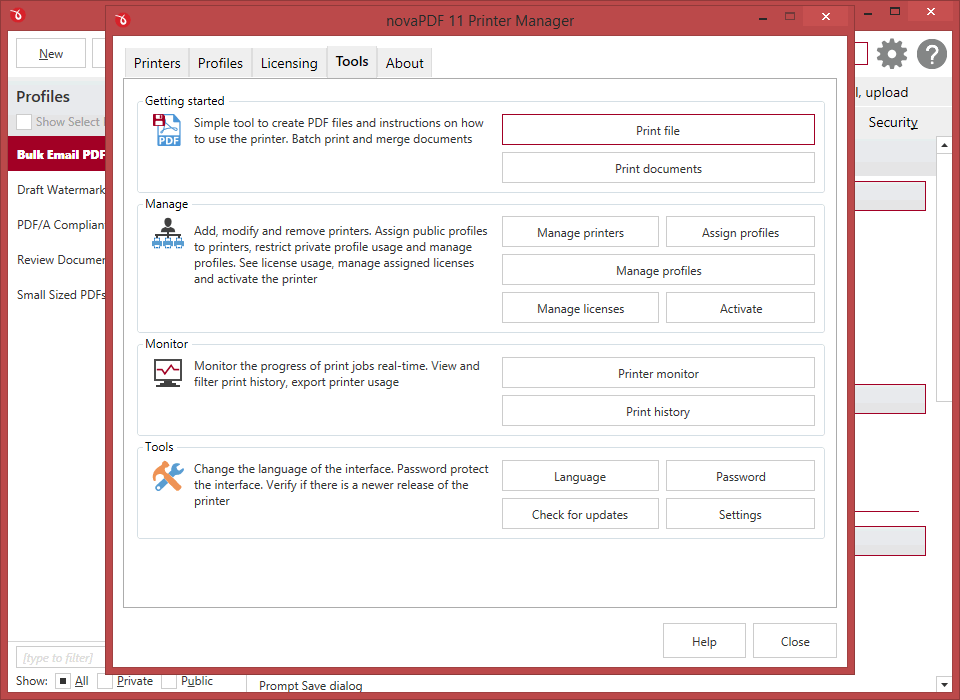
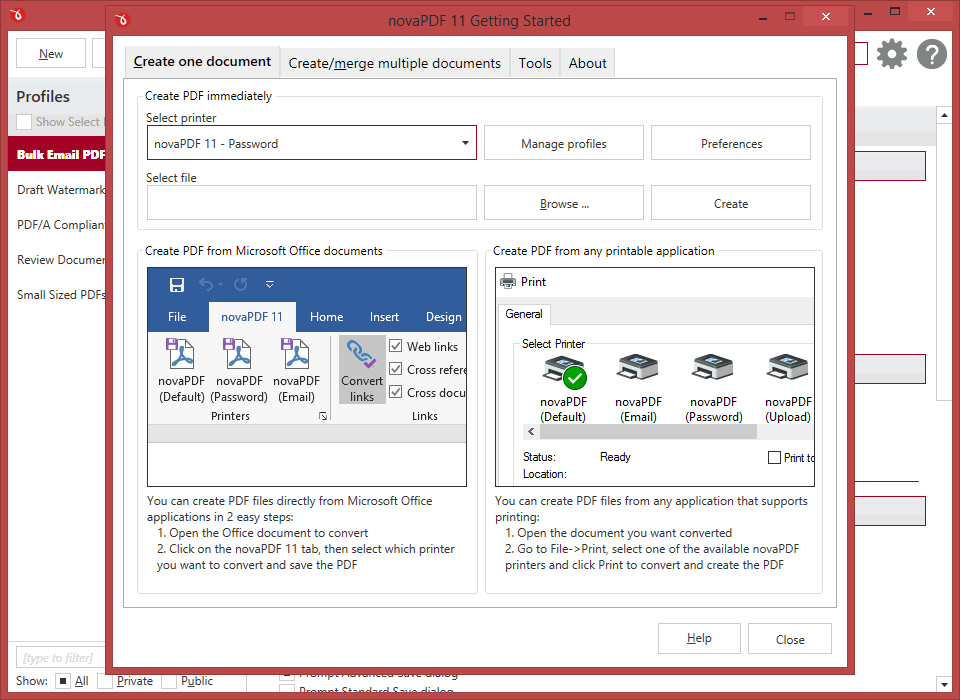
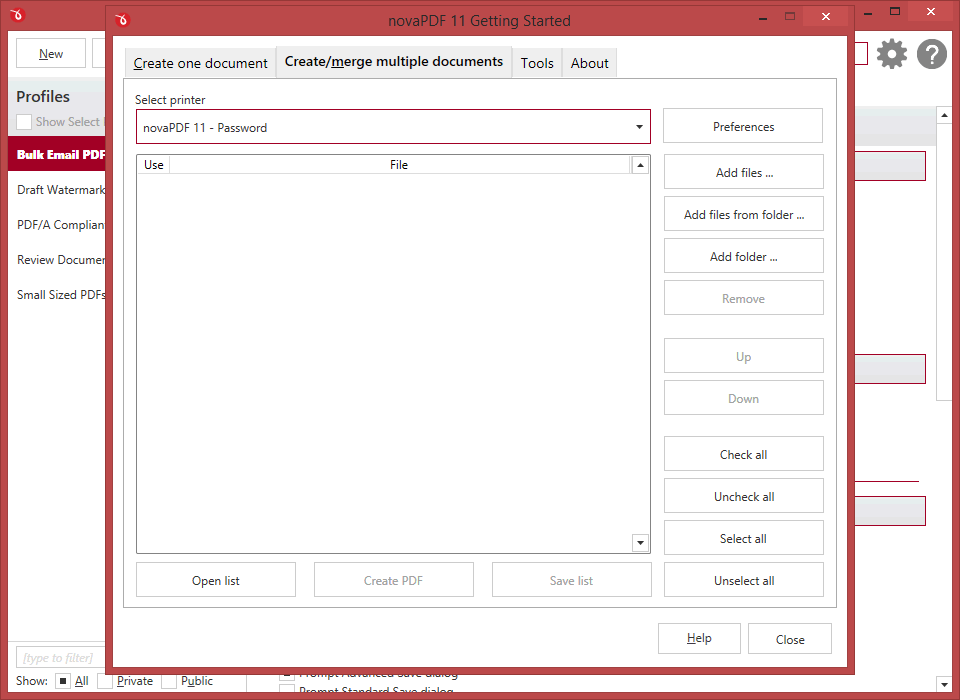
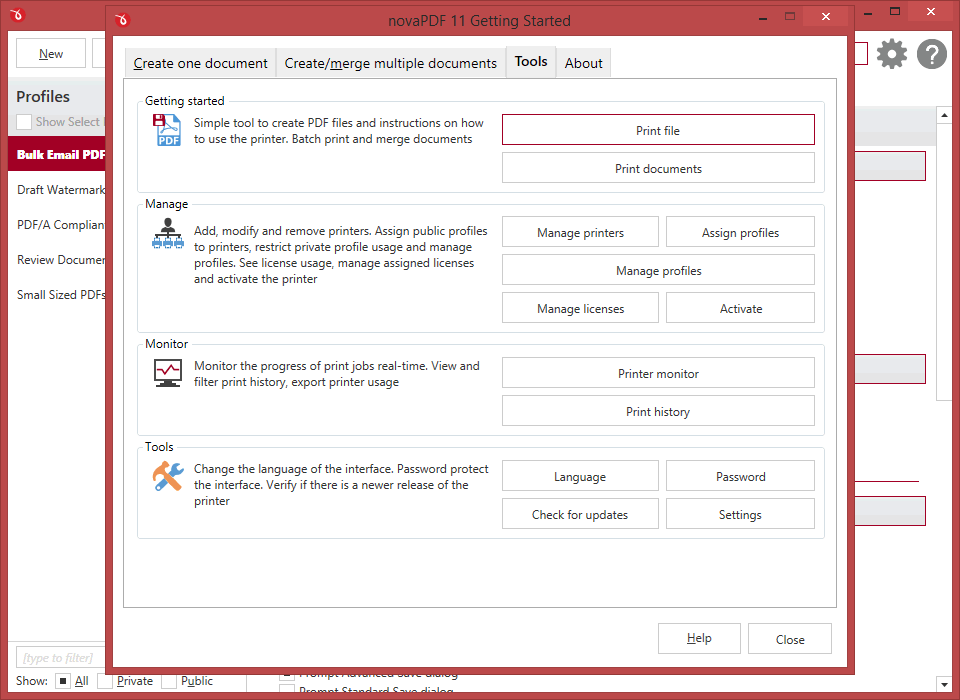
If novaPDF is installed you can simply click the "Print" button from any document-related Windows app to have your PDF created. You can also use novaPDF's Getting Started interface.
All editions
Add-ins for Microsoft® Office
novaPDF comes with add-ins for all Microsoft Office applications: Word, Excel, PowerPoint, Publisher, Visio and Outlook. It allos one-click conversion to PDF from Office apps.
A major advantage of the add-ins is the conversion of hidden hyperlinks and easy conversion of bookmarks.
PRO
PDF Security
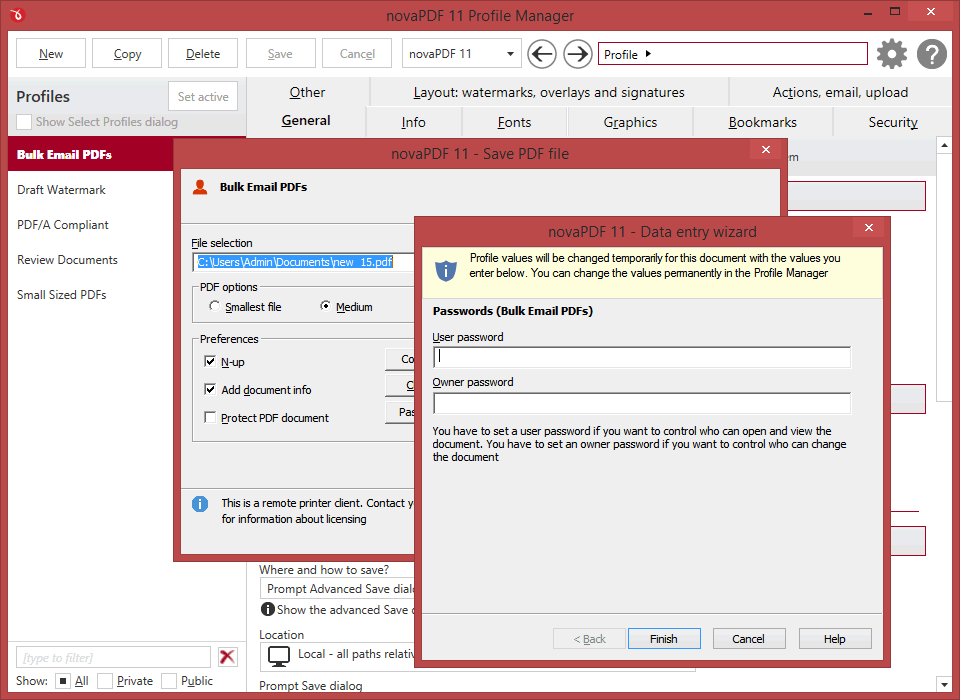
You can secure your PDF documents (256-bit AES encryption) by requiring recipients to enter a password in order to view, print or copy/paste content from the PDF.
You are able to control whether the PDF can be viewed, printed, modified, copied or annotated. Furthermore, you can apply digital signatures certify the authenticity of the PDF document.
PRO
Digital signatures
If you have a digital signature you can sign your PDF documents thus certifying the authenticity and integrity of the PDF document for the recipient.
PDF files can be edited thus it's recommended to sign important PDF documents such as invoices, contracts, agreements to be sure the document hasn't been altered without authorization.
PDF files can be edited thus it's recommended to sign important PDF documents such as invoices, contracts, agreements to be sure the document hasn't been altered without authorization.
All editions
Merge PDF files
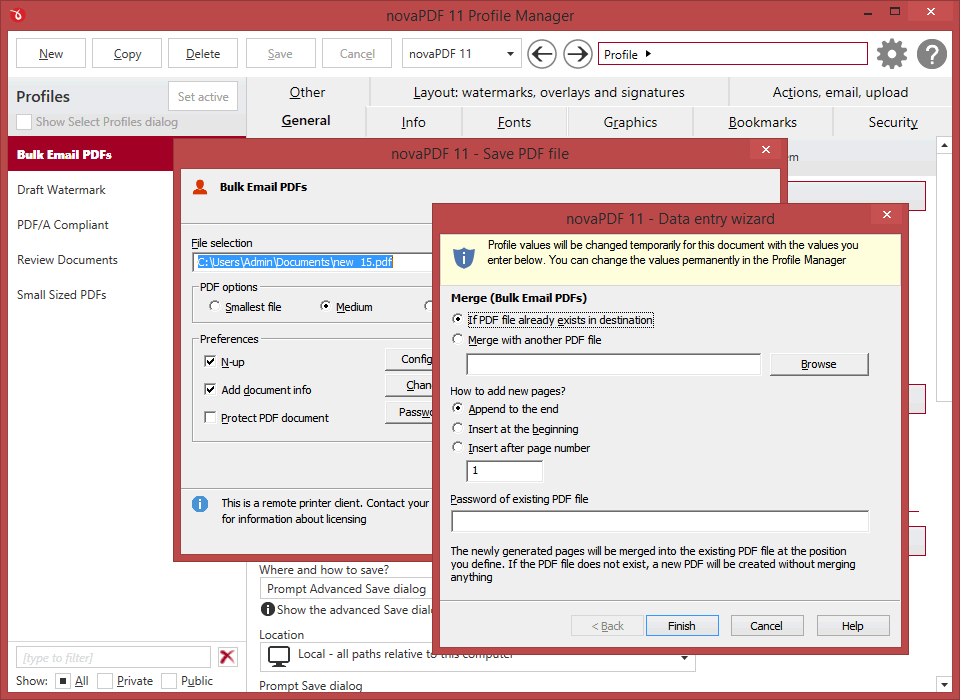
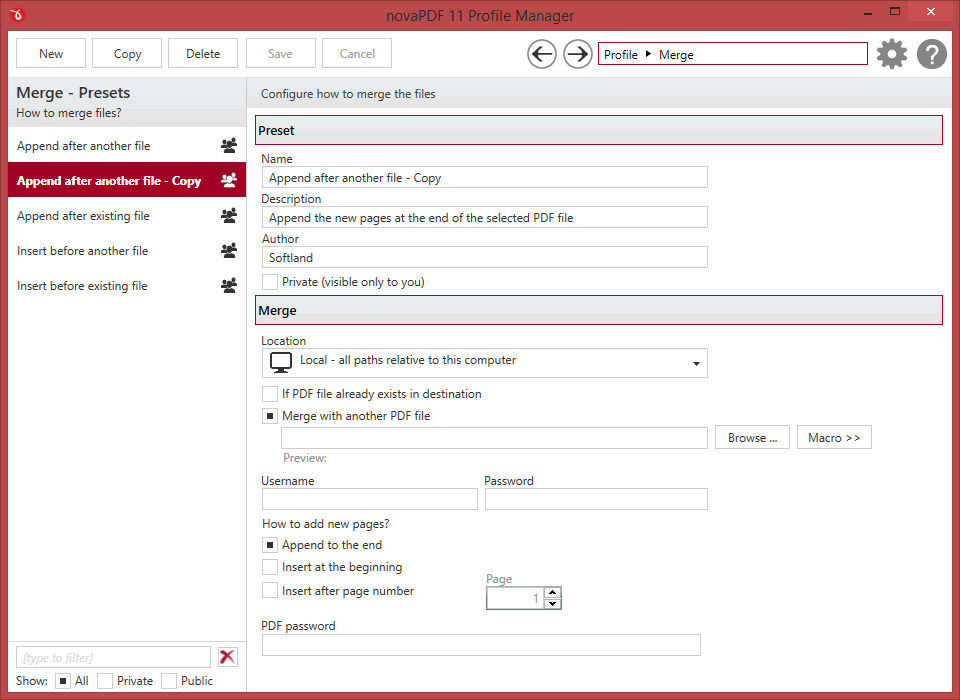
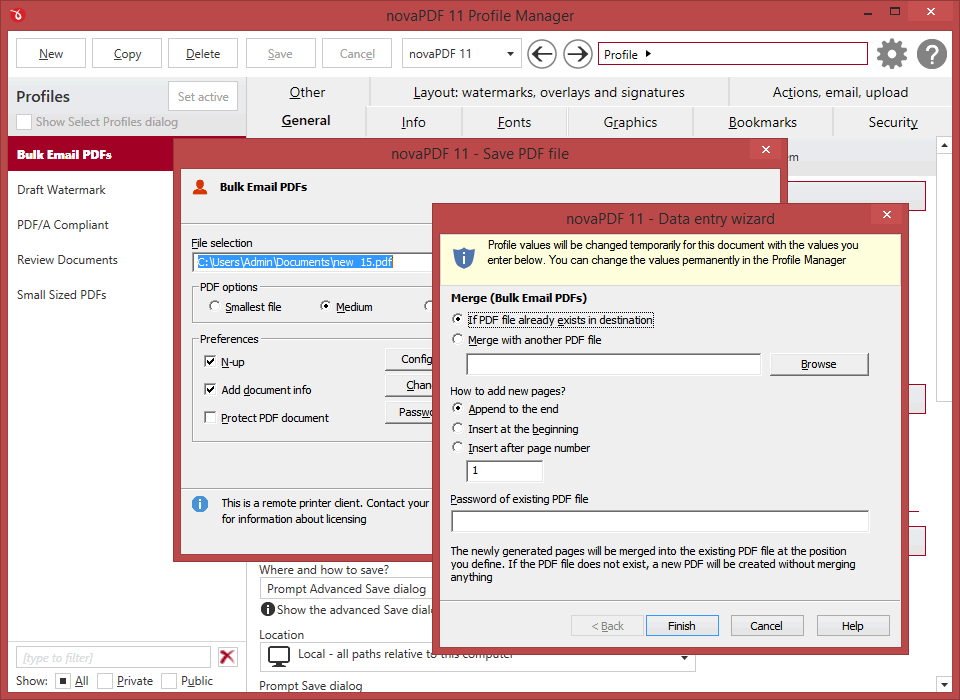
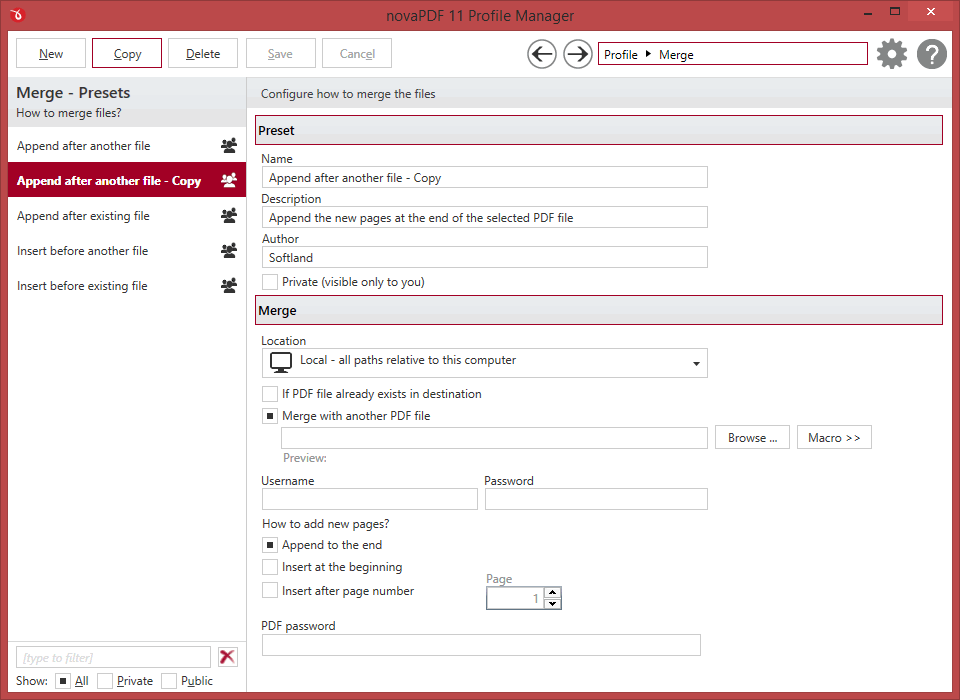
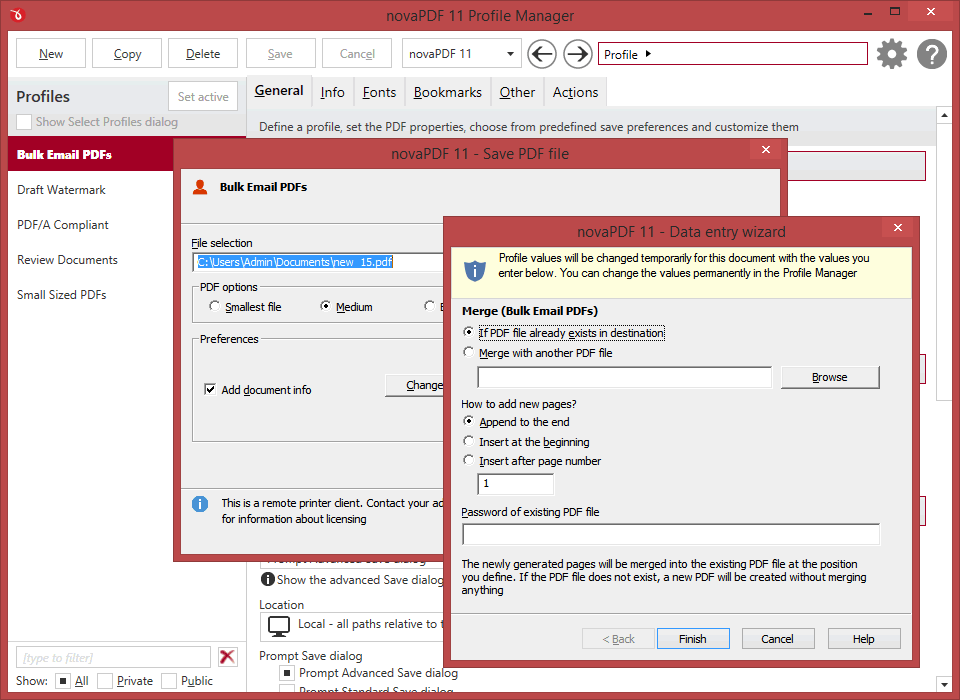
PDF merging refers to adding pages before the content of an existing file (inserting) or adding pages after the content of an existing PDF file (appending).
You can also merge multiple documents from different sources in a single one, so this option is useful when you need to "stich" together documents from different sources.
You can also merge multiple documents from different sources in a single one, so this option is useful when you need to "stich" together documents from different sources.
PRO STD
PDF watermarks
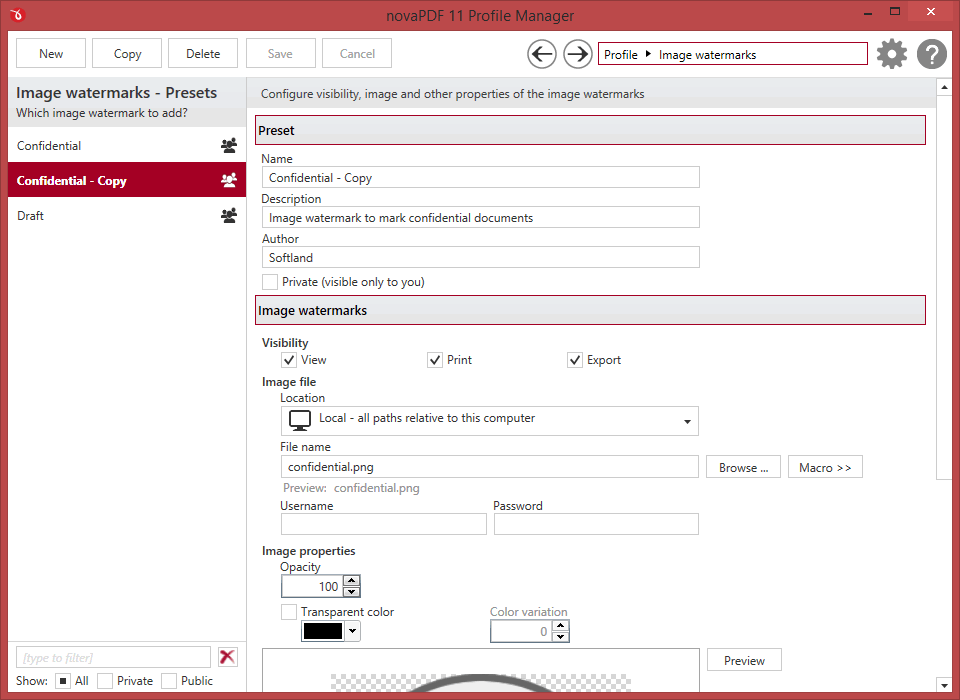
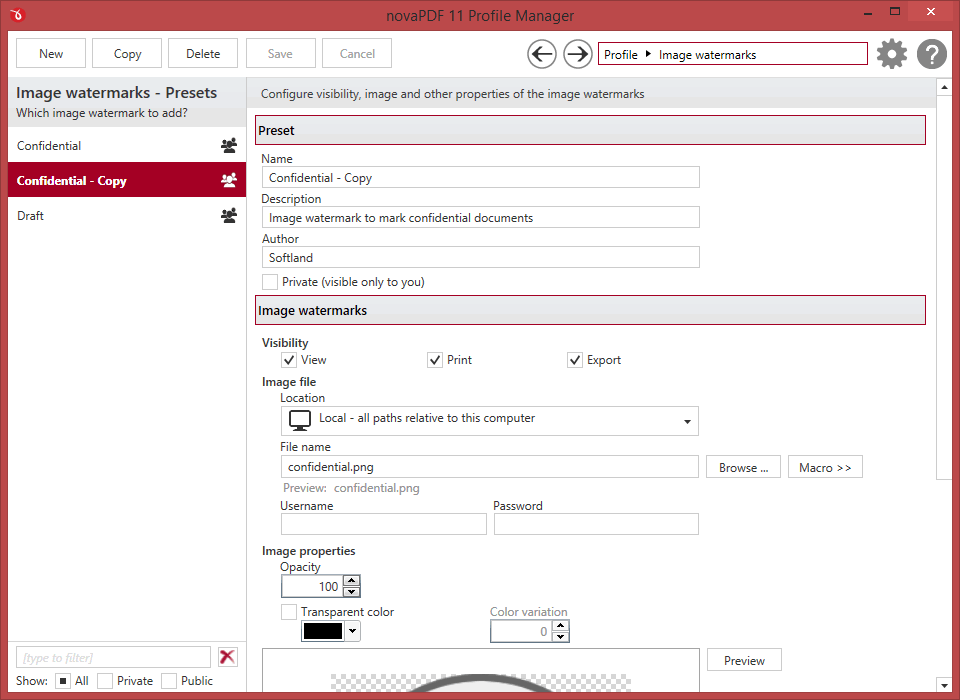
You can stamp an entire PDF (or individual pages from it) with an image or text that can have rotation, opacity, color variation or other effects.
Multiple watermark templates are included (i.e. confidential, date/time, draft, page index/count) but you can also define your own presets.
Multiple watermark templates are included (i.e. confidential, date/time, draft, page index/count) but you can also define your own presets.
PRO
Send PDF via email
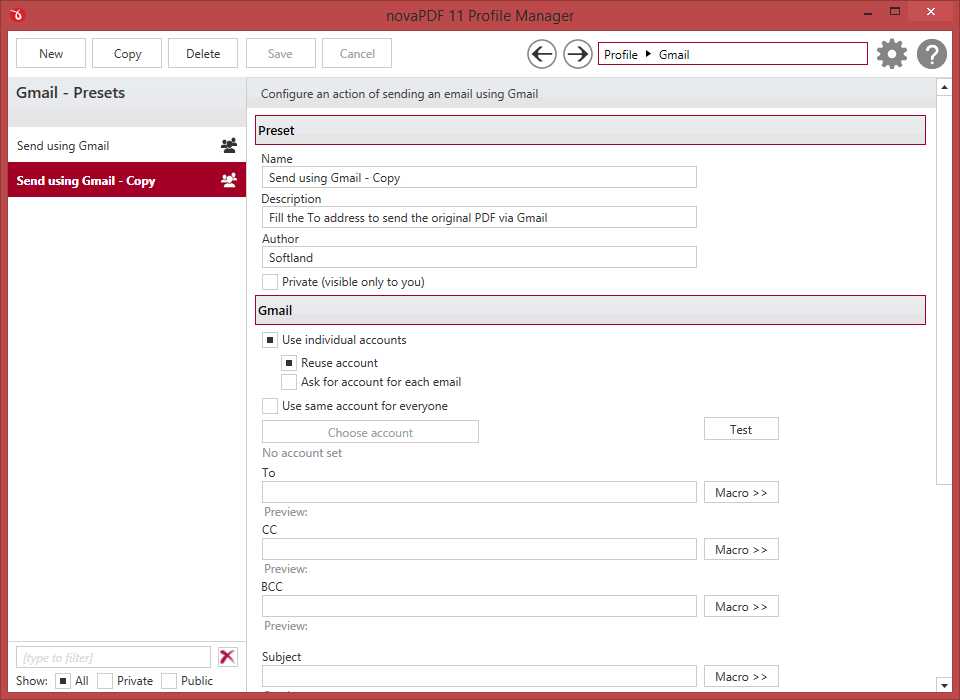
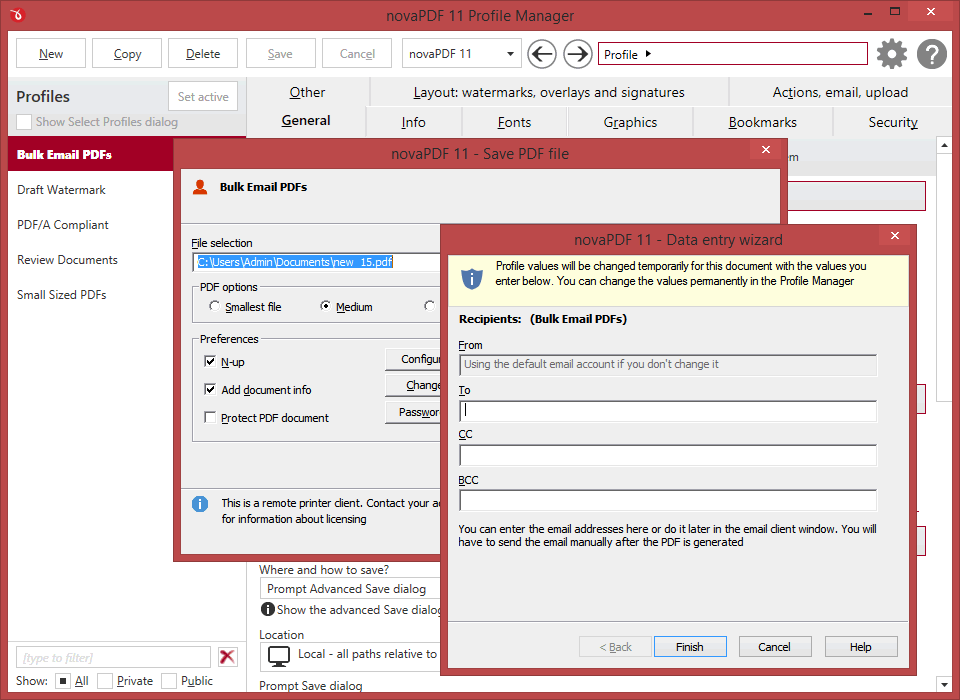
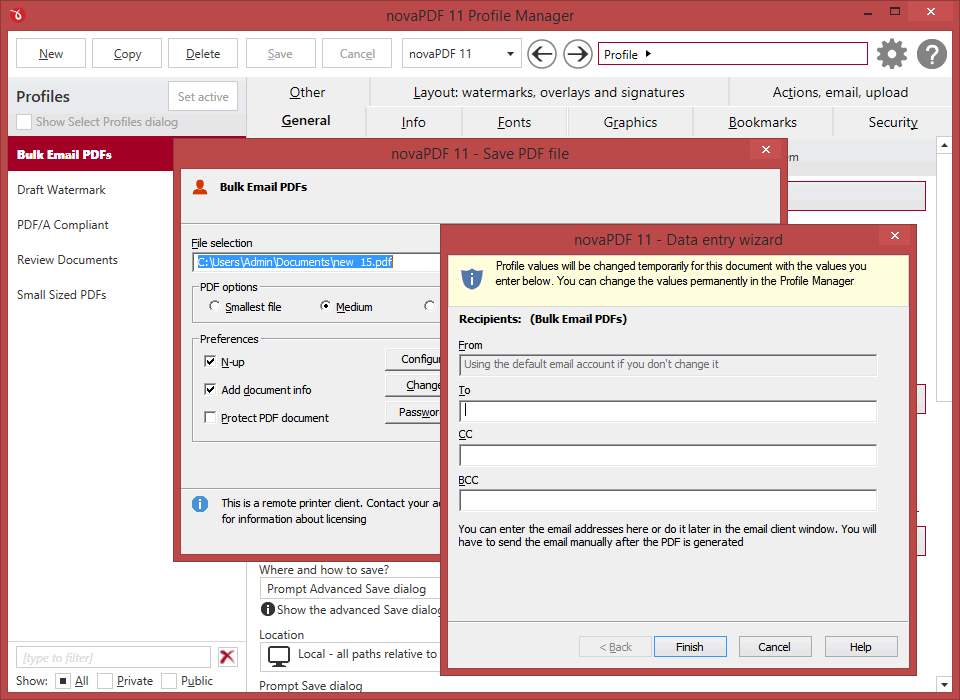
novaPDF can send created PDFs using the default email client, via SMTP or Outlook. You can send to multiple email addresses (as TO, CC or BCC) and zip the attached PDF file (with password protection).
There are also predefined SMTP servers for easy setup (AIM, AOL, Gmail, Outlook/Hotmail/Live, Yahoo).
There are also predefined SMTP servers for easy setup (AIM, AOL, Gmail, Outlook/Hotmail/Live, Yahoo).
PRO
PDF Overlays
PDF documents overlay (could also be called PDF stitching), means that you can insert the content of a PDF file in another PDF document (either in front of the existing content or as the background for the existing one) and create a single PDF file containing the merged information.
There are several templates included by default for easy setup (generic, invoice, letterhead).
There are several templates included by default for easy setup (generic, invoice, letterhead).
All editions
Clickable links
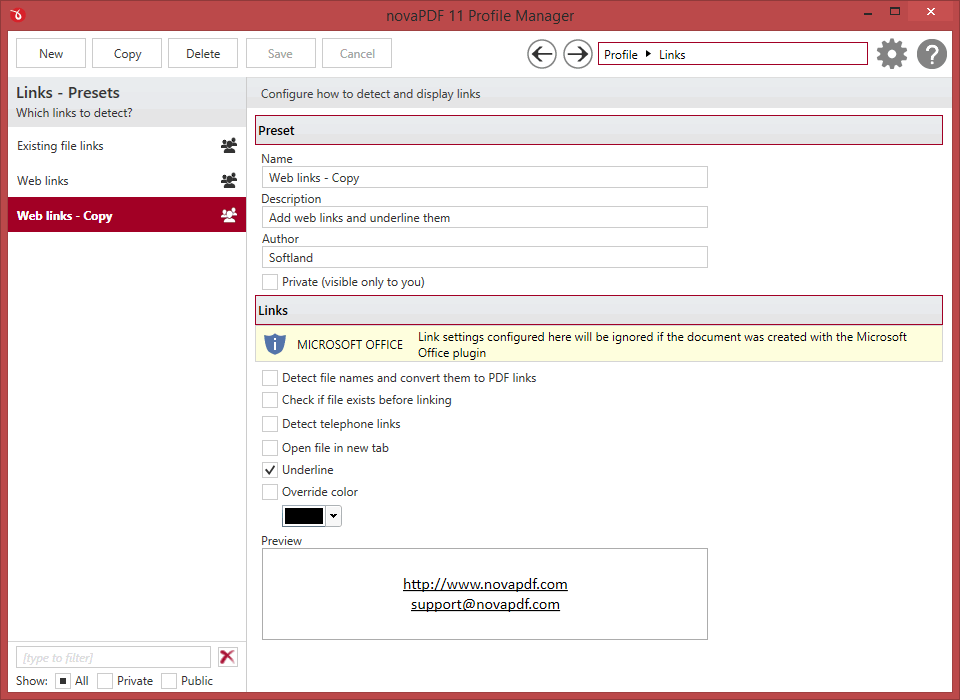
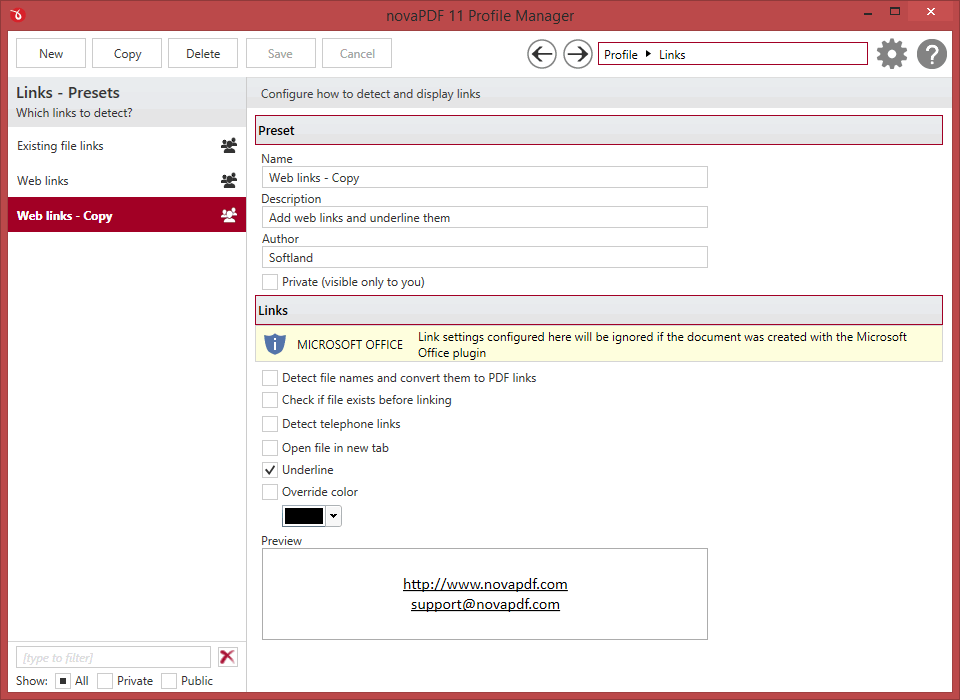
Any visible text that starts with "http://", "www", "mailto:", "ftp://" or "file://" in your original document can be converted to clickable active PDF links if you choose to do so.
novaPDF can also verify if the file linked to exists during conversion to avoid broken links. Additional options allow opening the file in a new tab and customizing the underlining.
novaPDF can also verify if the file linked to exists during conversion to avoid broken links. Additional options allow opening the file in a new tab and customizing the underlining.
All editions
PDF linearization
Also called fast web view, PDF linearization allows the creation of PDF files that can be easily viewed via the web browser. Instead of downloading the entire PDF file at once, the PDF will be "streamed" in the browser page-by-page.
All editions
Font embedding
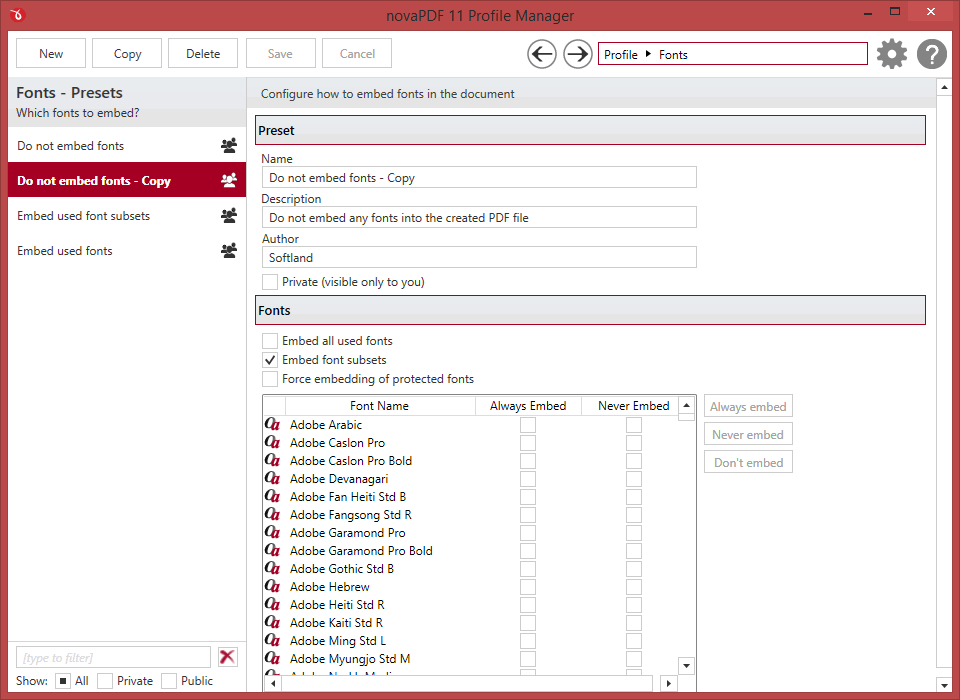
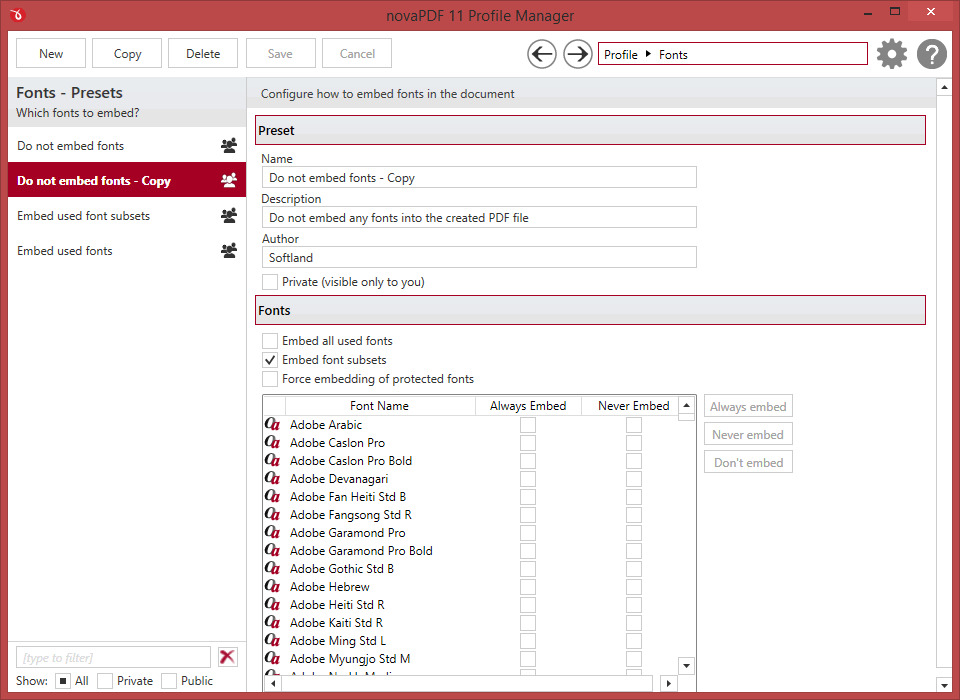
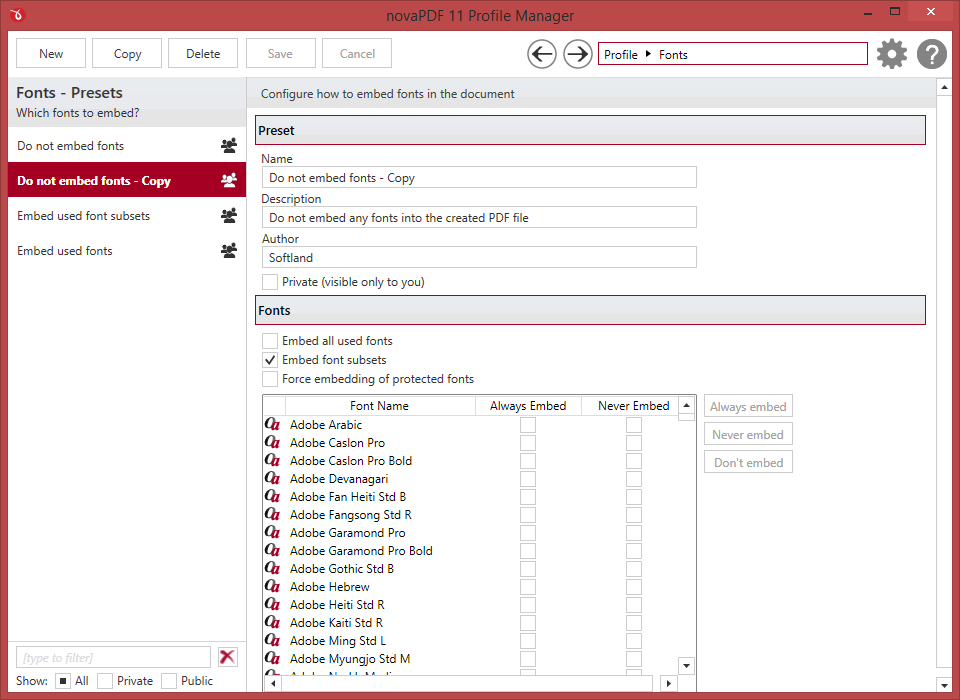
novaPDF supports TrueType, OpenType and Type1 fonts and can embed these (or only subsets) to ensure portability. You can also choose which fonts to be automatically embedded or never embedded.
All editions
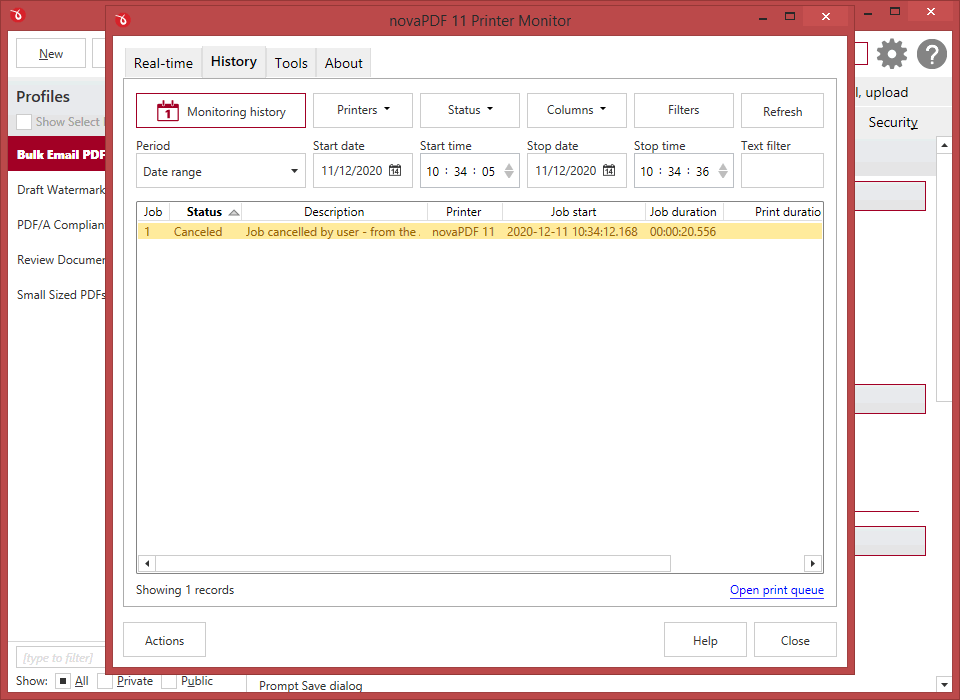
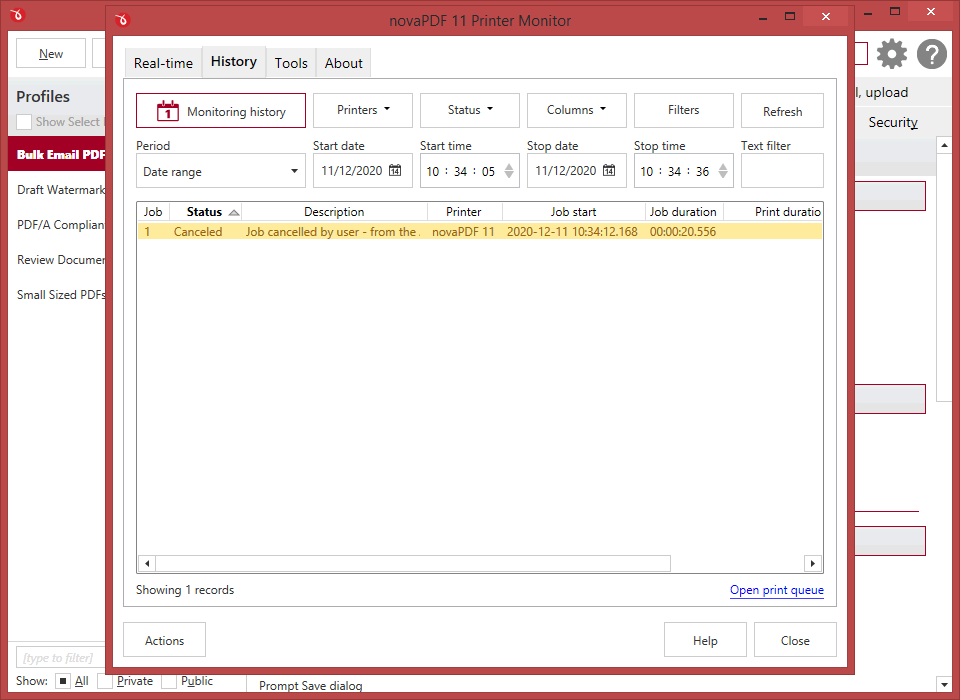
Printer monitor
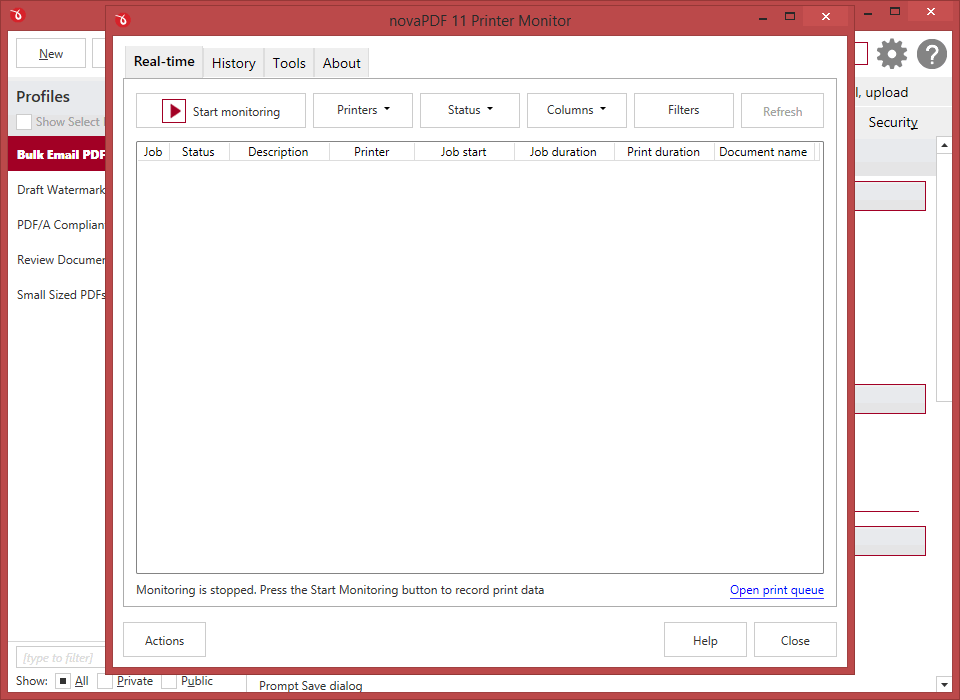
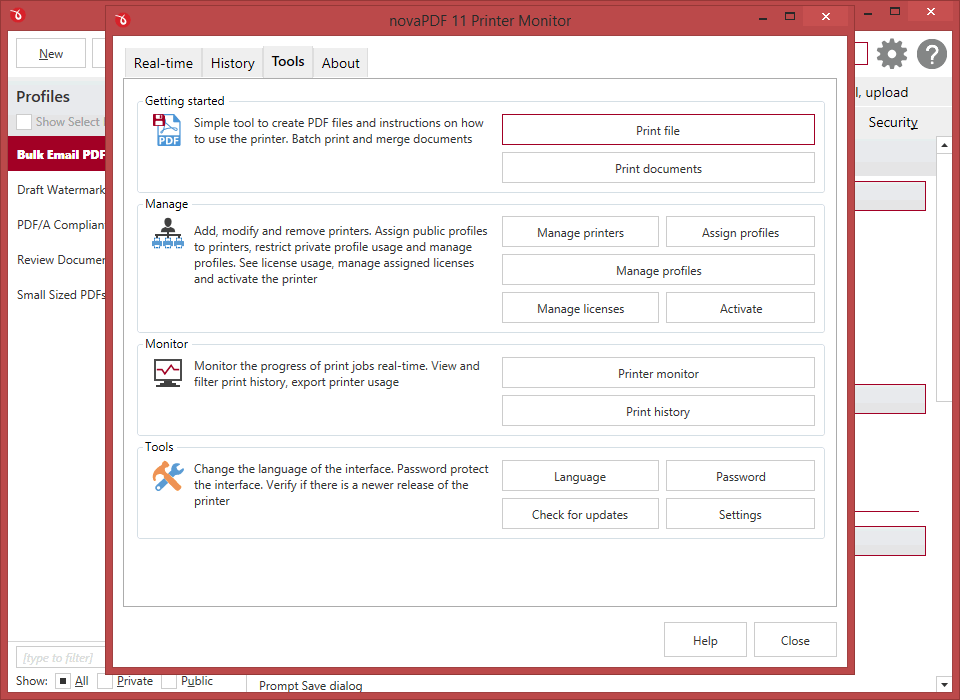
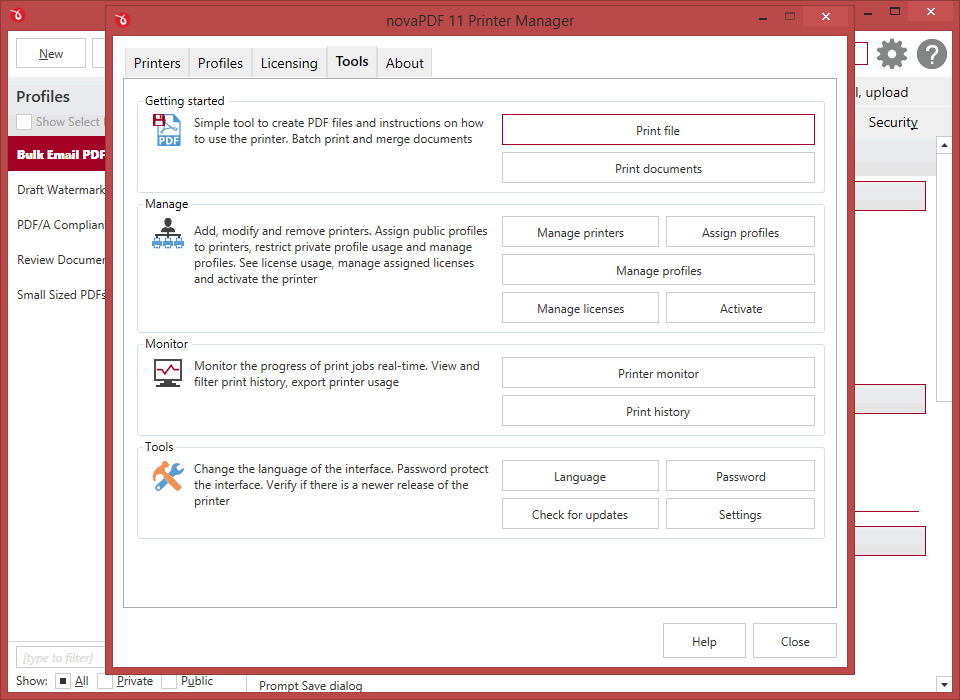
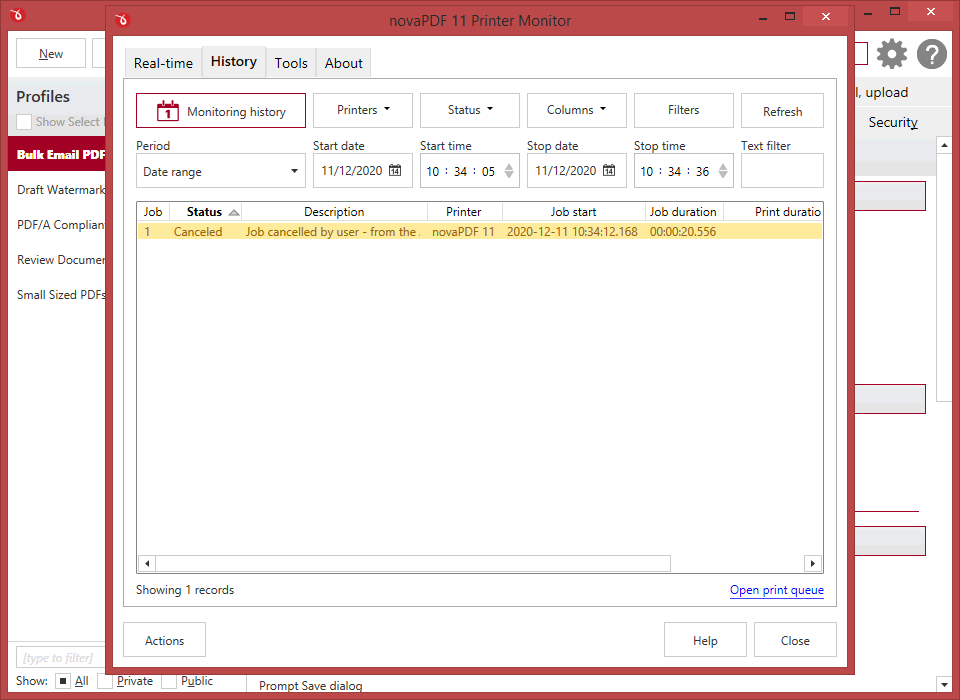
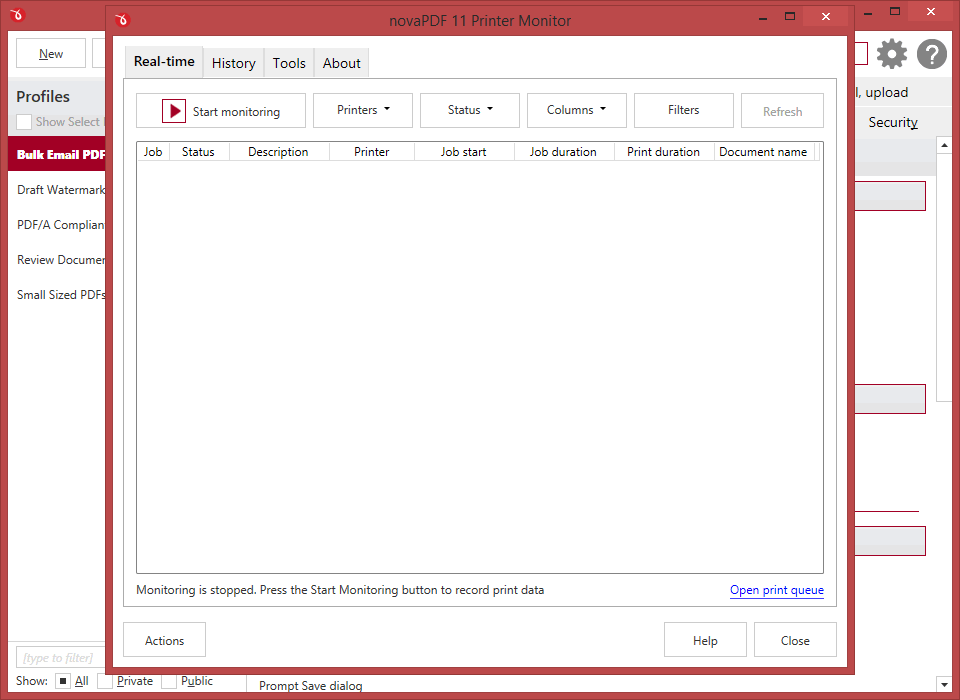
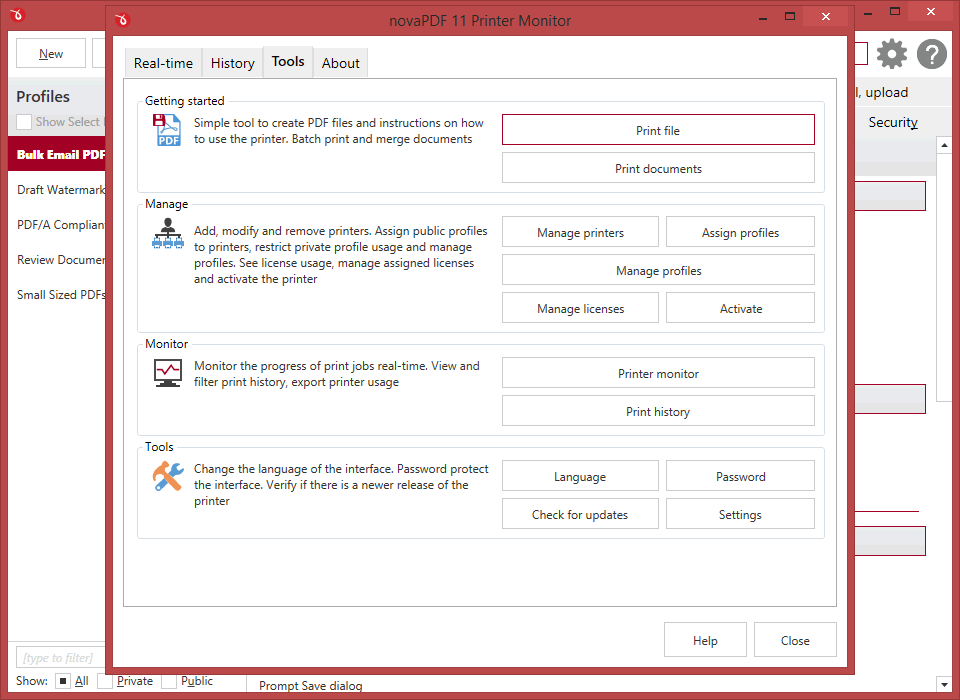
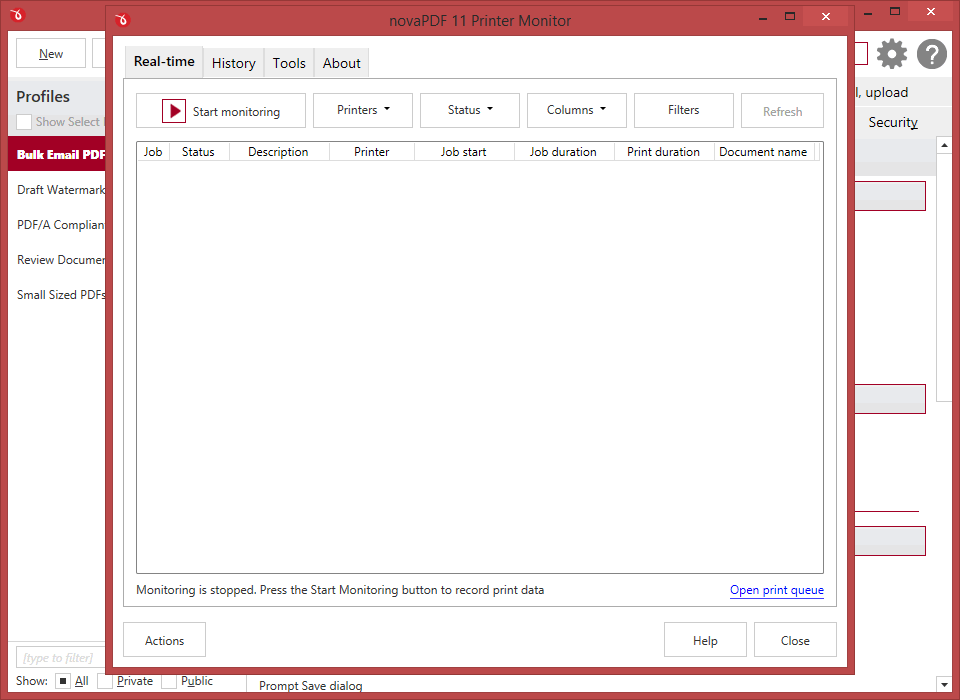
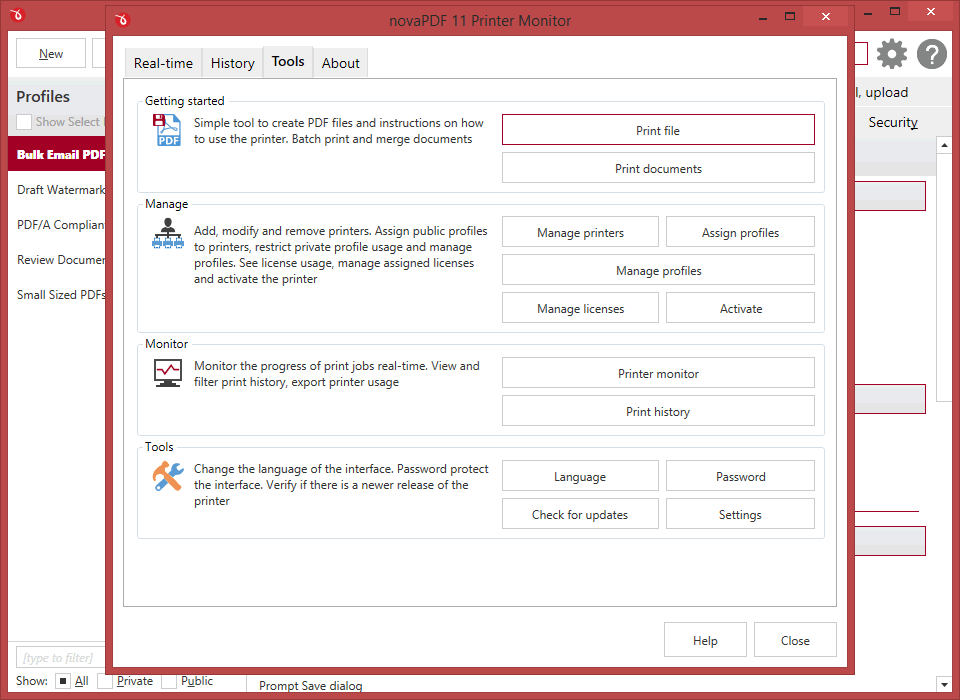
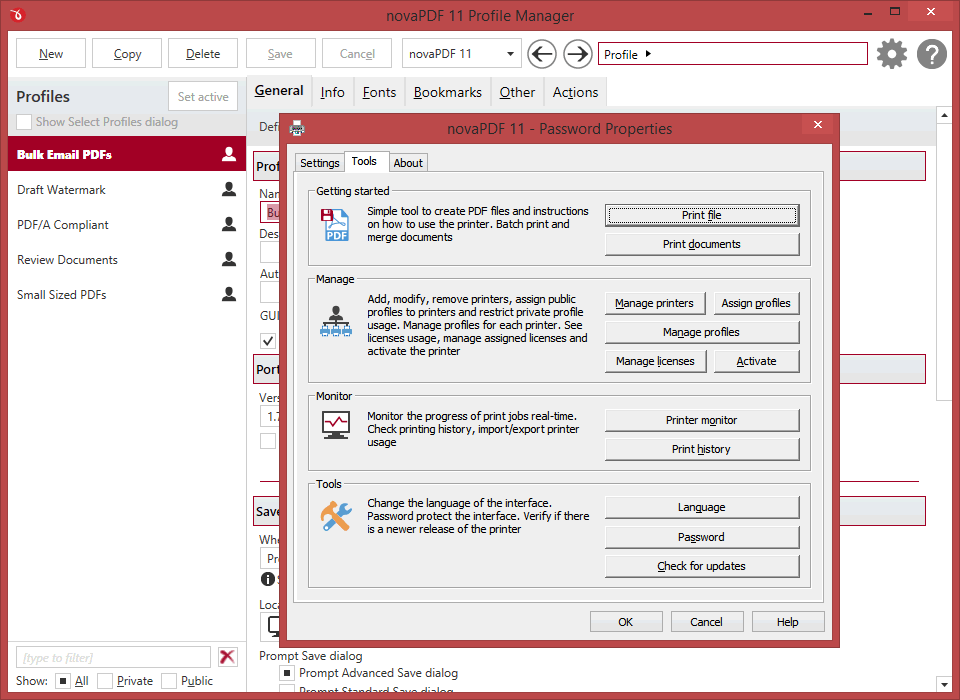
A Printer Monitor tool is distributed with the novaPDF installation as well. This tool allows you to monitor in realtime the status of all printing jobs, as well as record and archive print job info.
All editions
License management
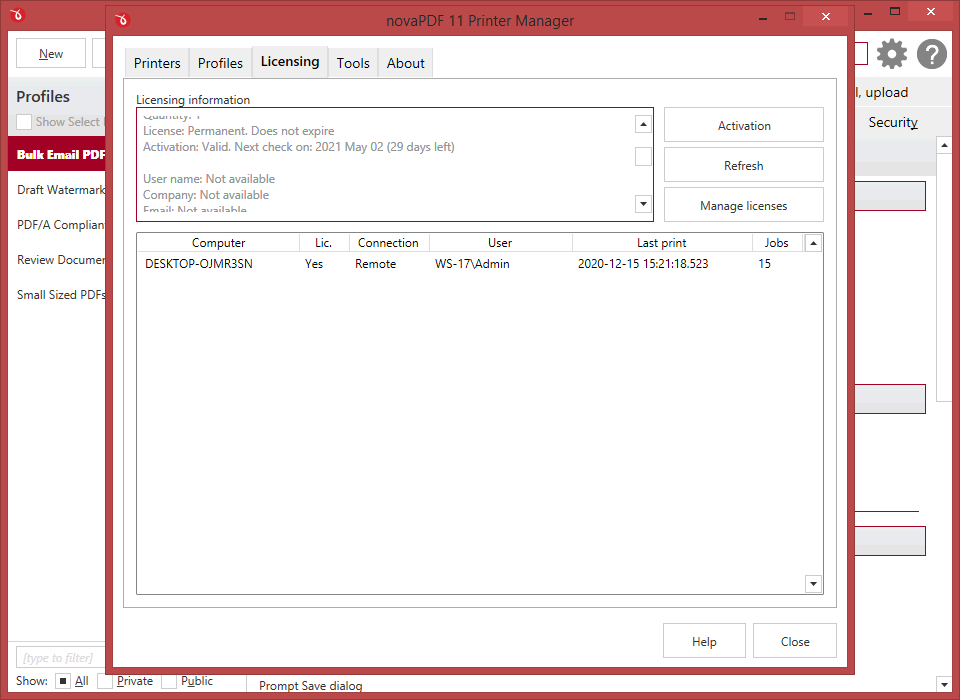
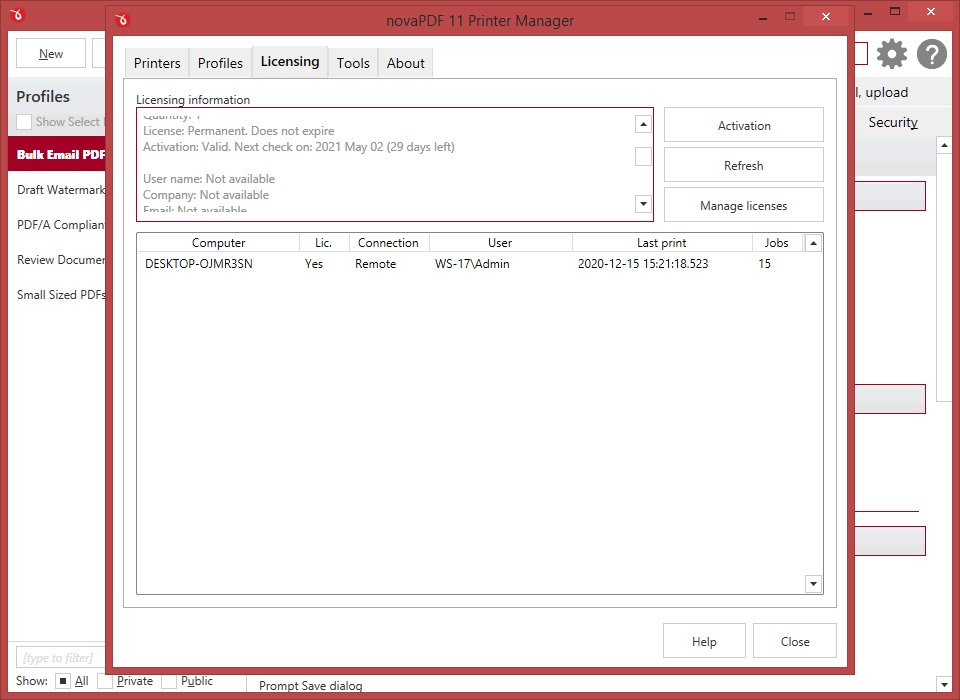
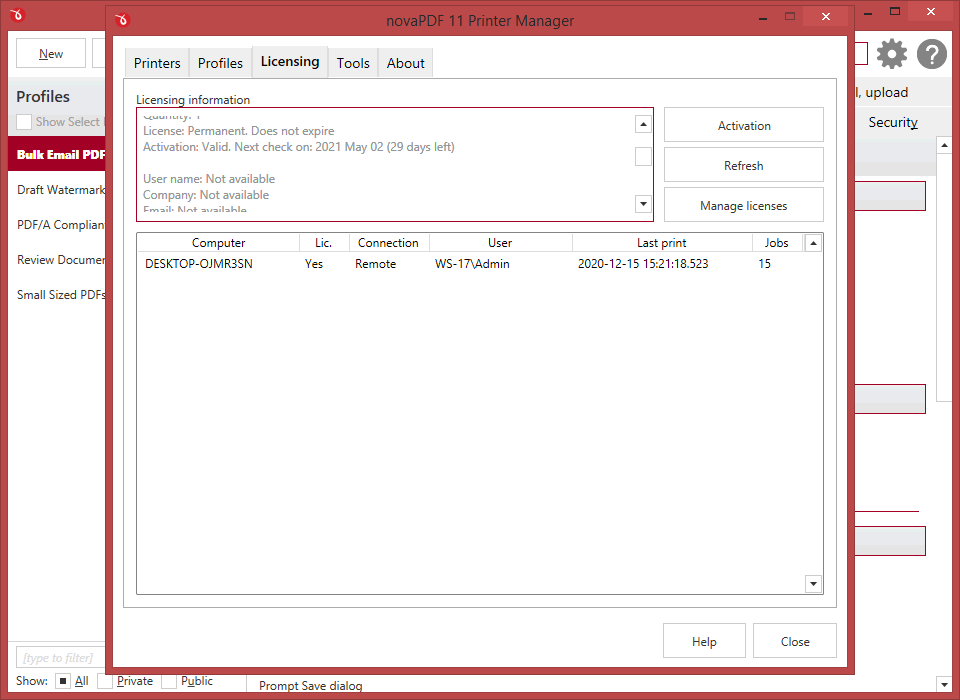
This allows you to manage the licenses for the installed printer driver. Managing licenses is useful when using the installed printer driver as a print server (via the shared network printer or remotely) to add, license, un-license computers/users, and release licenses.
If you have multiple licenses for a shared PDF printer, client computers will be automatically registered if licenses are available. However you can override that by manually managing what computers get to be licensed based on NetBios or their DNS names.
All editions
Multiple print queues
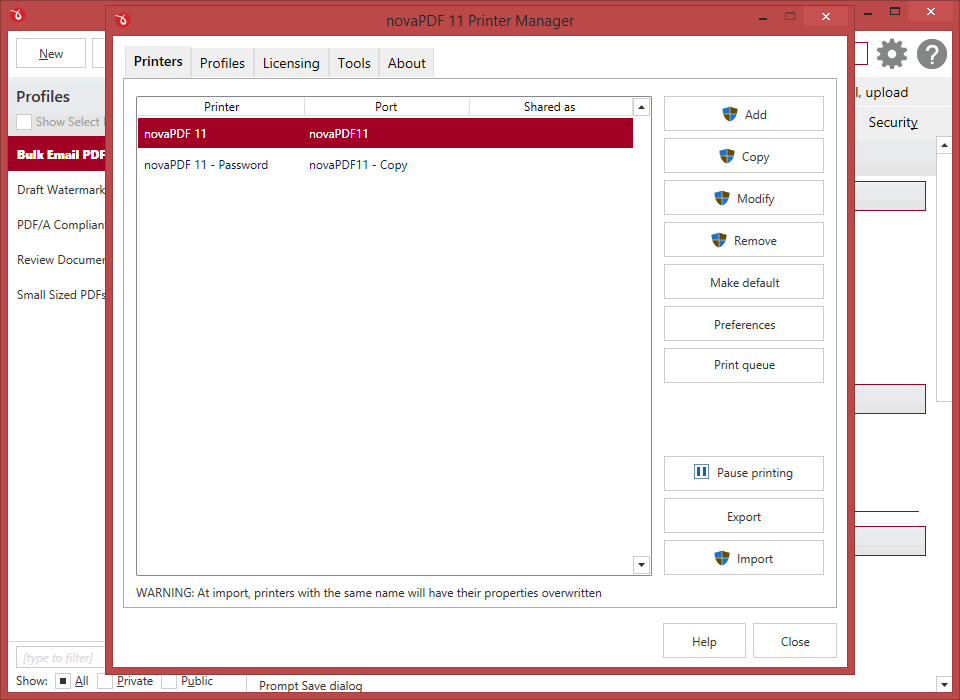
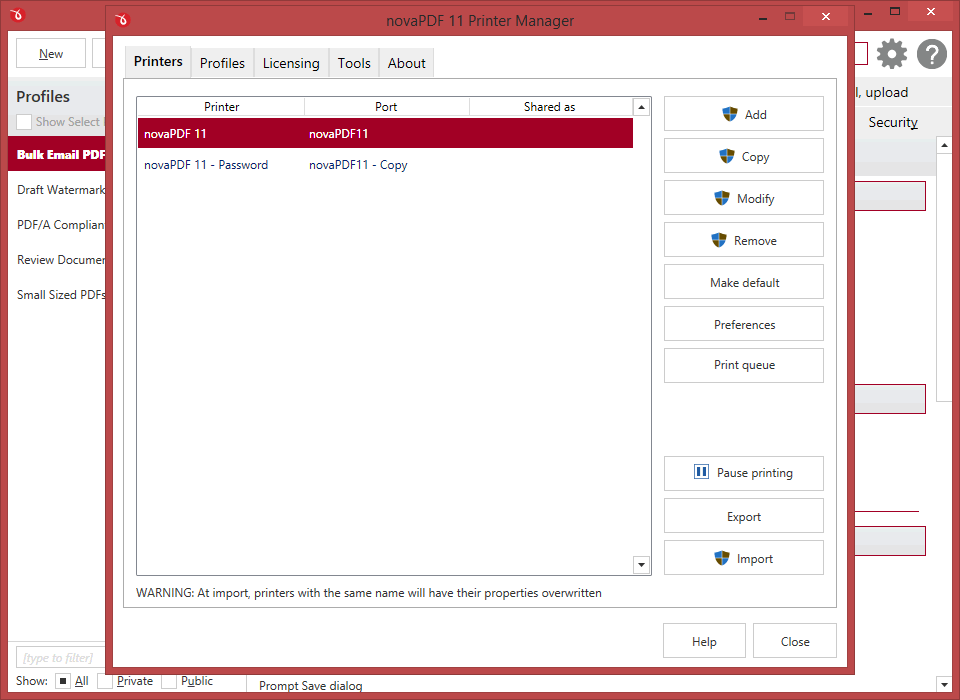
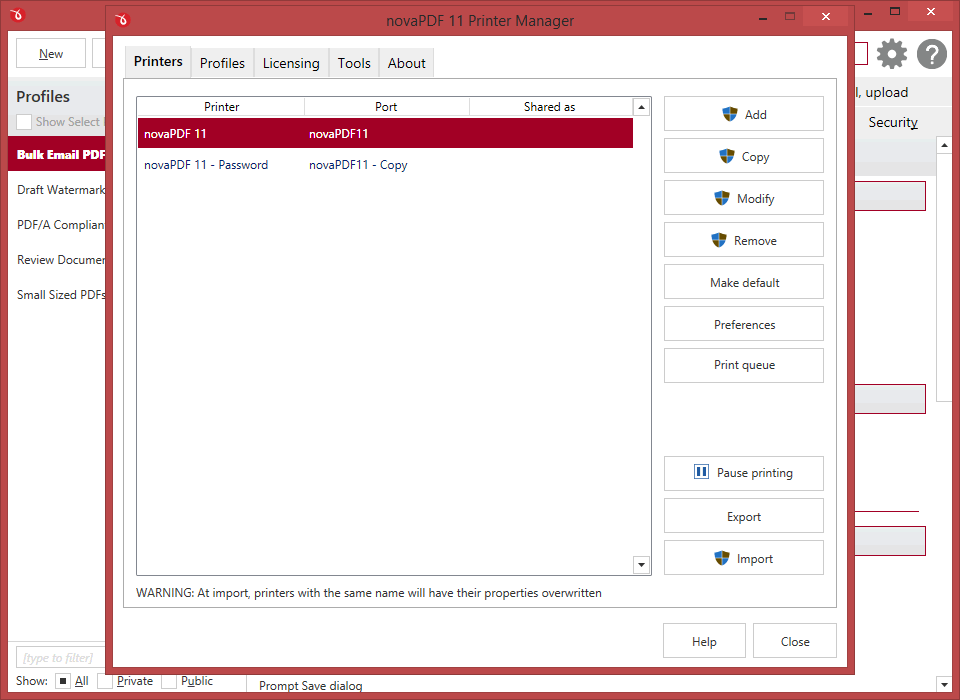
You can add multiple virtual PDF printers all based on the same novaPDF print driver. You can even name the virtual PDF printers anything you want and that’s how they will show up in your list of "Devices and Printers".
The main advantage of having multiple PDF printers is that you will have a different print queue for each. This means that you can for instance have one of the printers shared as a PDF server while another locally and both could have their own printing queue and creating separate sets of PDFs.
All editions
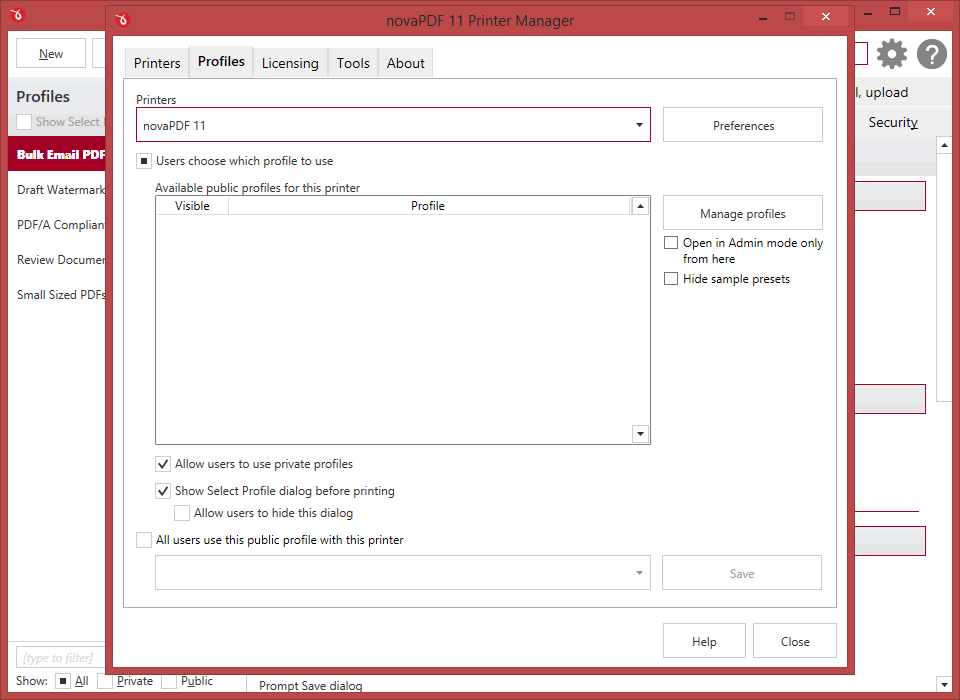
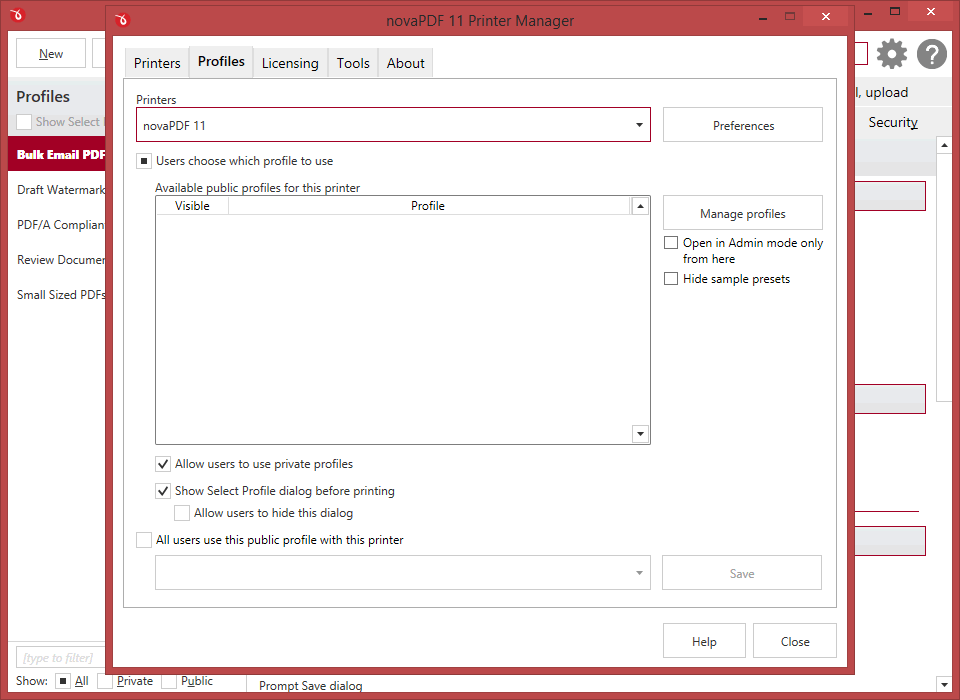
Private/public profiles
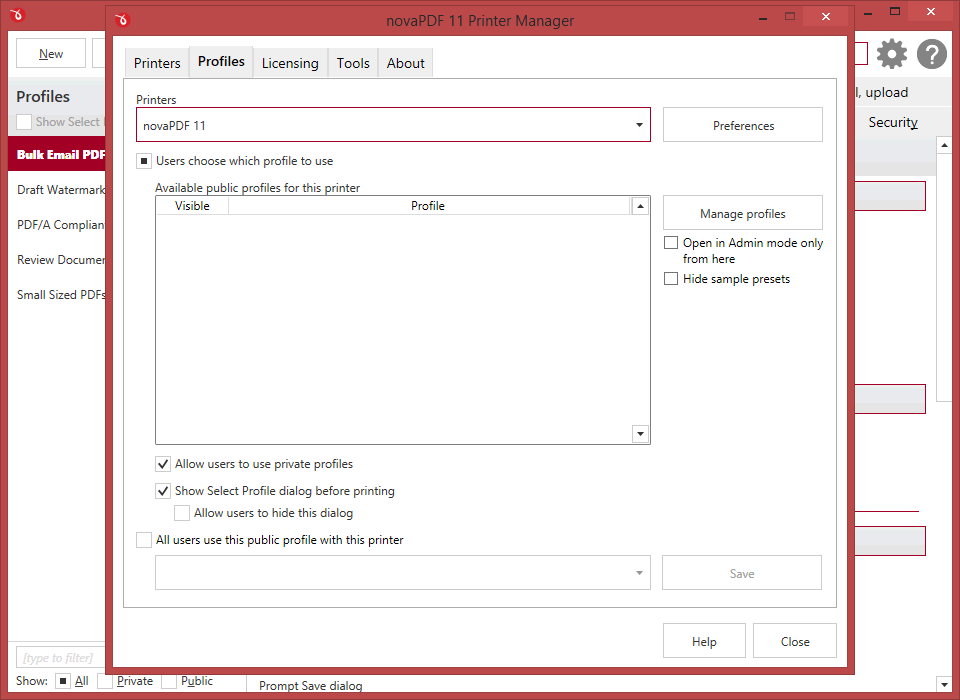
You can define private printing profiles for future use, each with its own profile settings (i.e. security, signatures, bookmarks). This way you can switch between different printing profiles without having to modify the settings again. These profiles are only available on the computer where they were defined.
However you can also create public profiles that are automatically propagated to all client computers. When using propagated public profiles, you can disallow client computers to switch to a private profiles.
All editions
PDF bookmarks
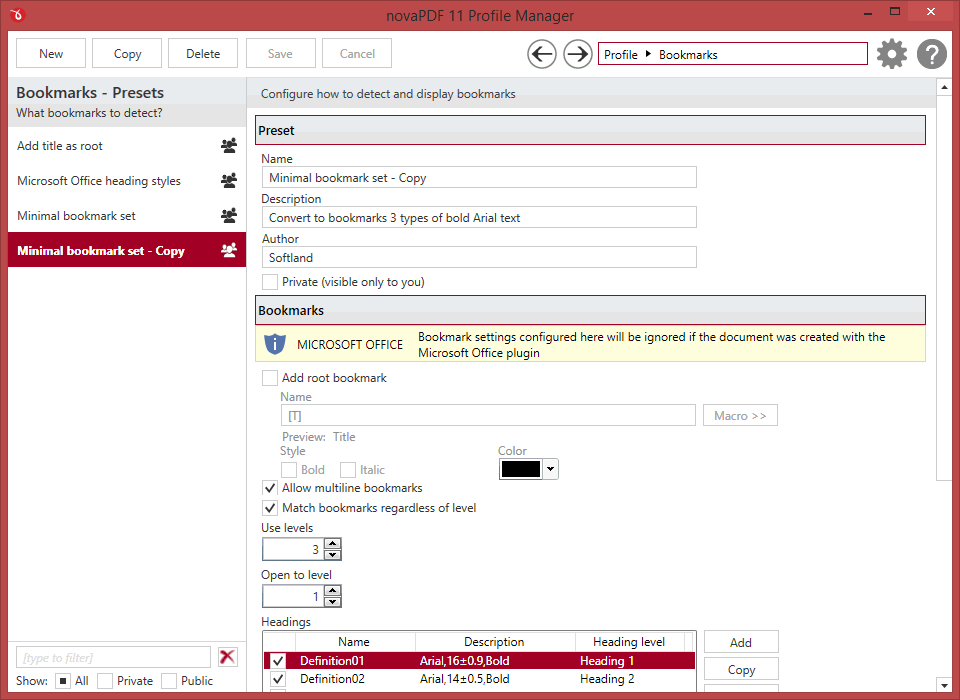
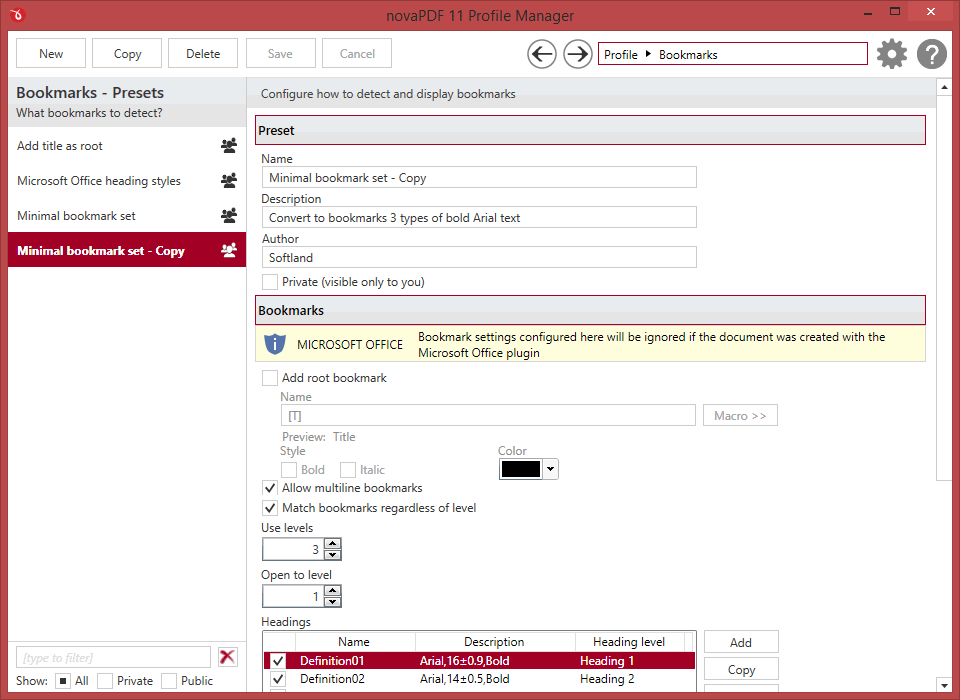
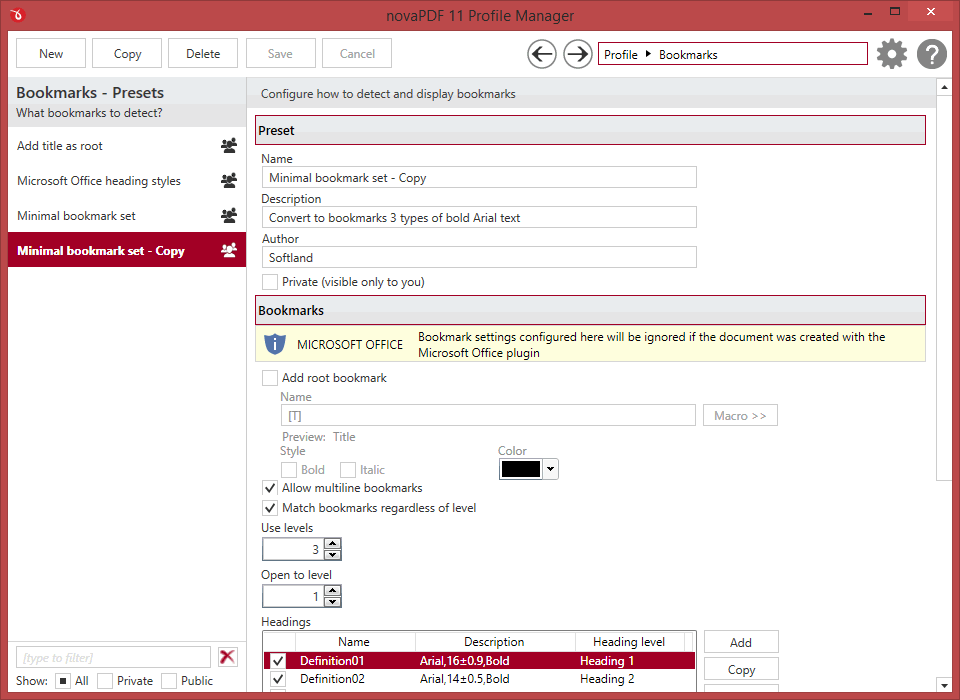
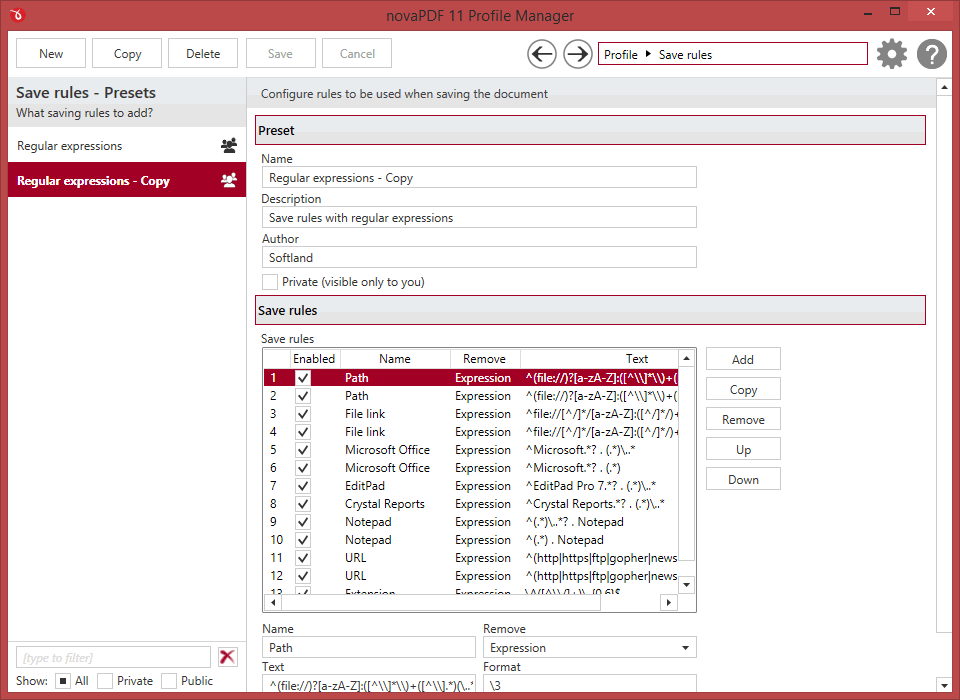
novaPDF can detect the headings in the document to be printed and add bookmarks in the generated PDF files. You have to define the text attributes for the document headings (font, size, style, color) and for the generated bookmarks.
PRO
Upload to FTP/SFTP
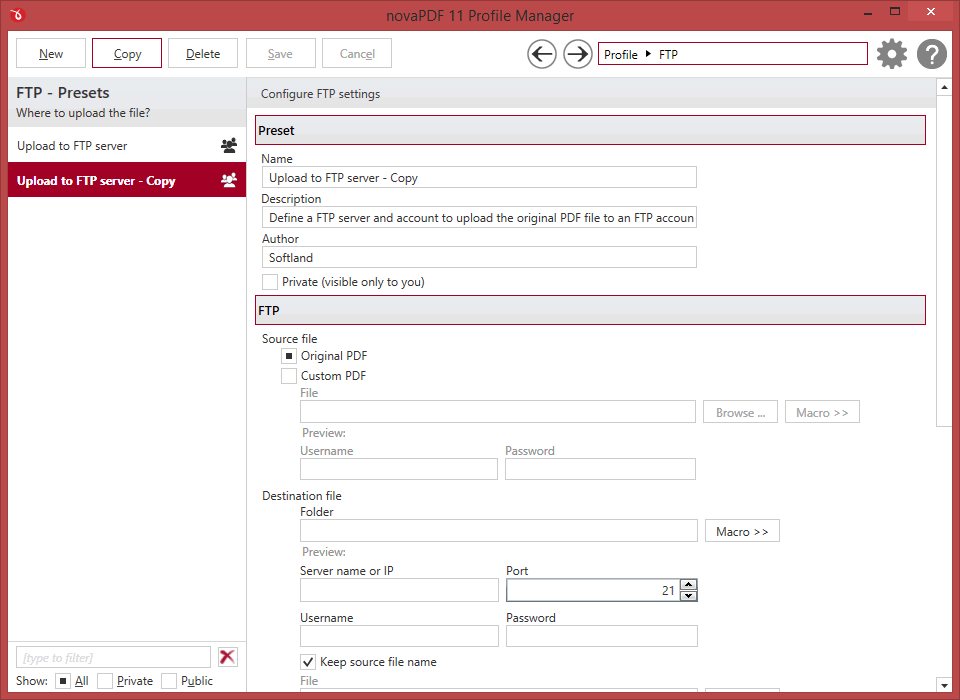
After the PDF is generated, novaPDF can automatically upload it to FTP or SFTP servers. You can define presets for the FTP/SFTP servers and use those for different profiles. Aside the generated PDF, other files can also be uploaded.
All editions
PDF/A Compliance
novaPDF can create PDF files compliant with the following PDF/A specifications: PDF/A-1a/b, PDF/A-2a/b/u and PDF/A-3a/b/u. PDF/A is a PDF file format used for long-term archiving of documents in electronic format that use PDF Reference version 1.4 or above.
PRO
User tags
You can define pairs of tag/value to be detected before the PDF is generated. novaPDF can then detect those tags from the original document and allows you to use those values as Macro names. It can also remove the whole page where a particular tag/value is present or removing only some parts of the text based on font formatting.
All editions
Add extra metadata
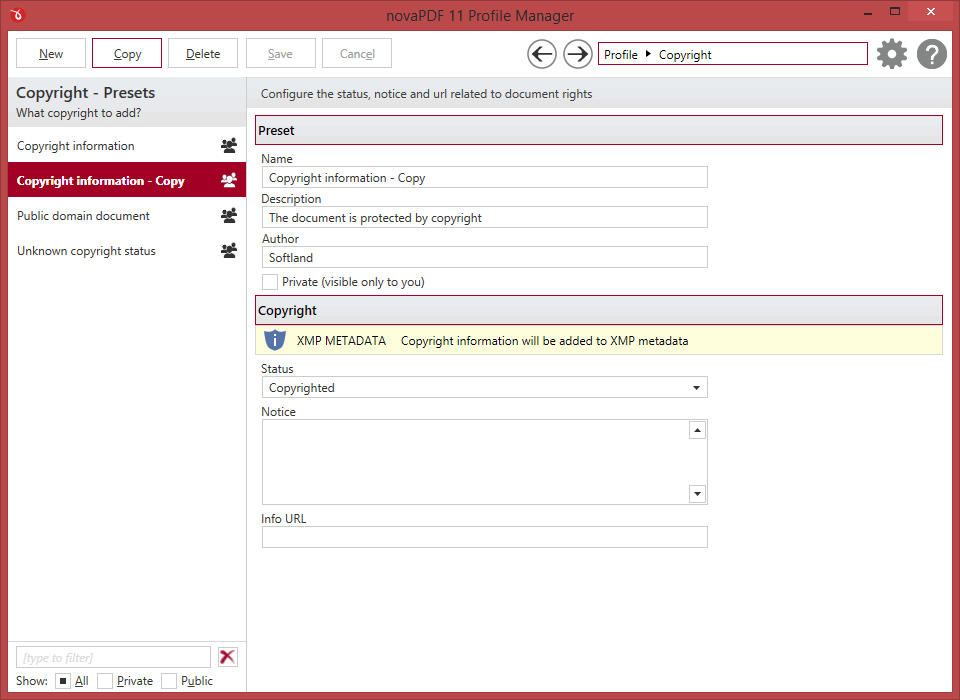
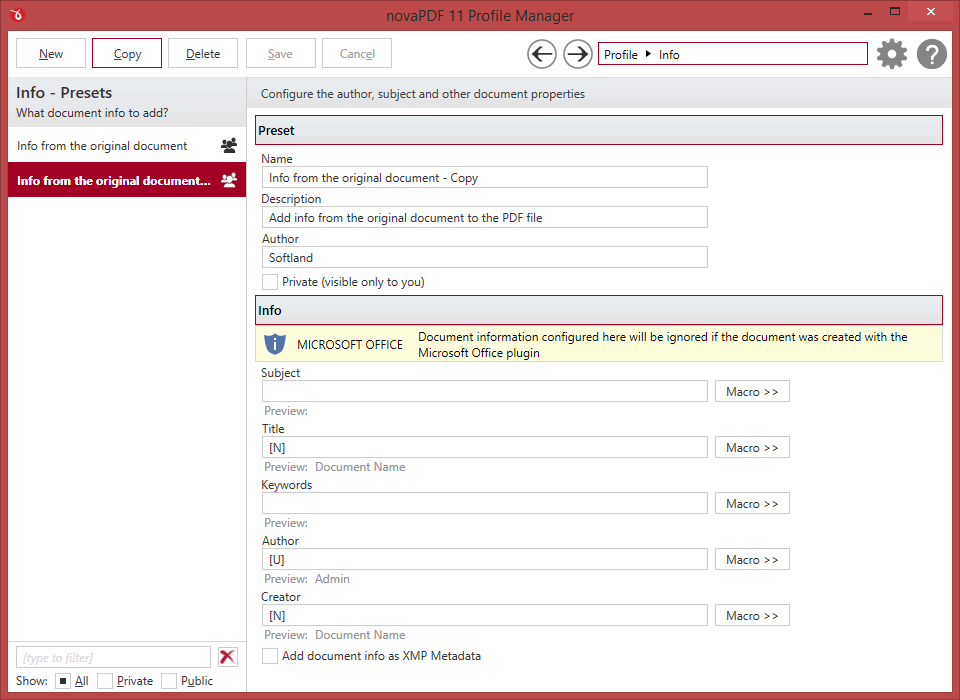
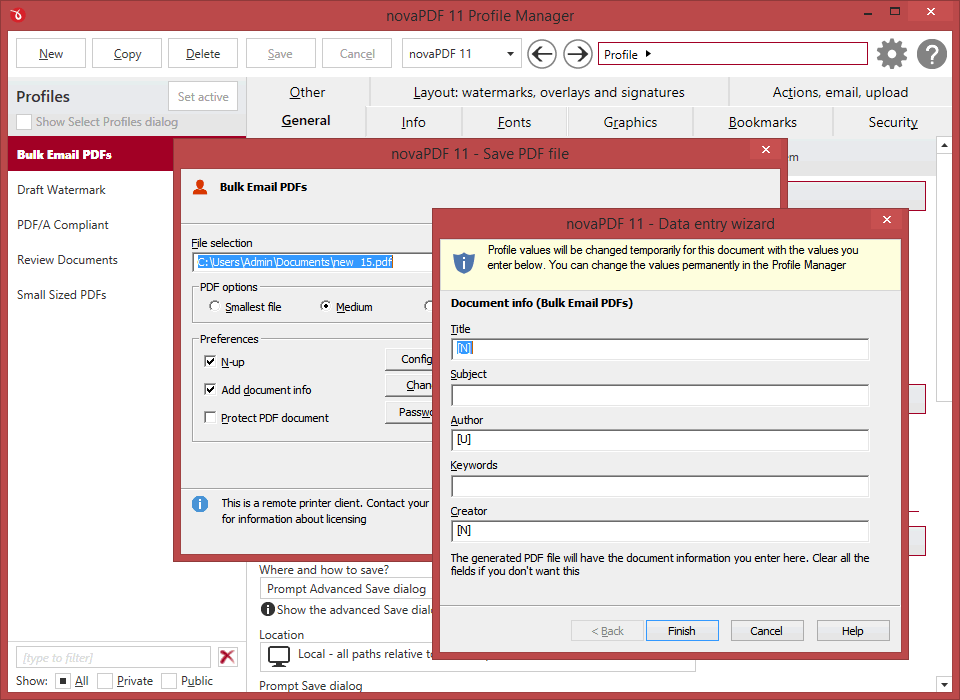
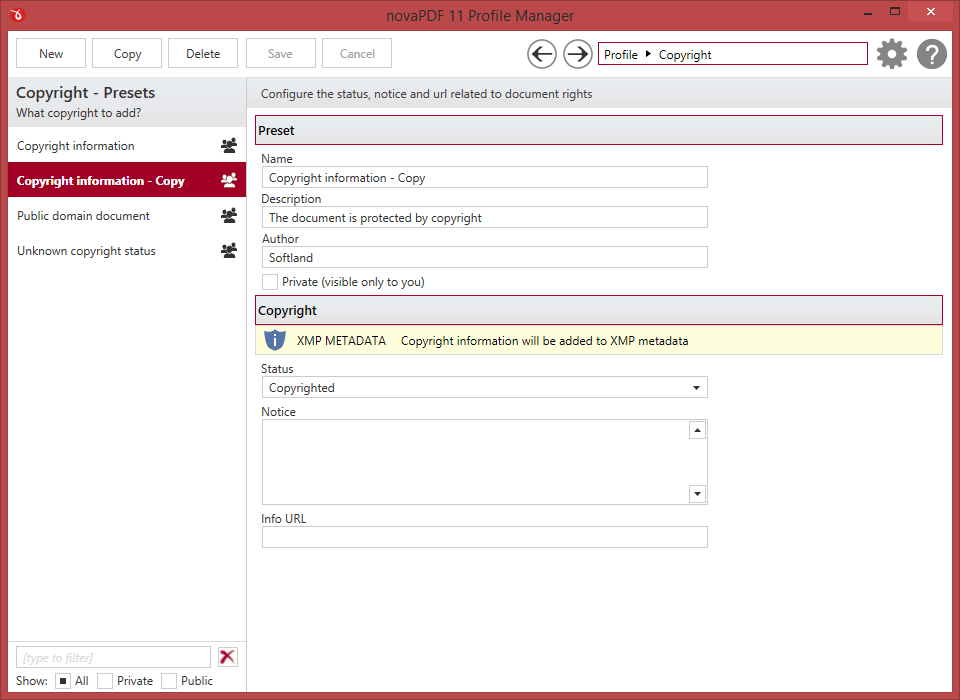
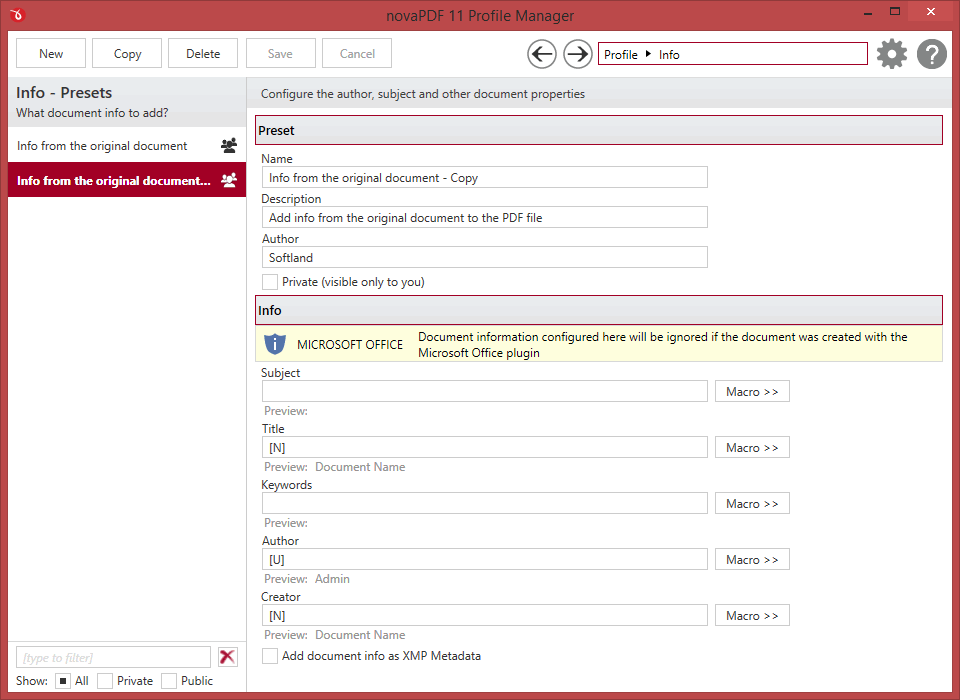
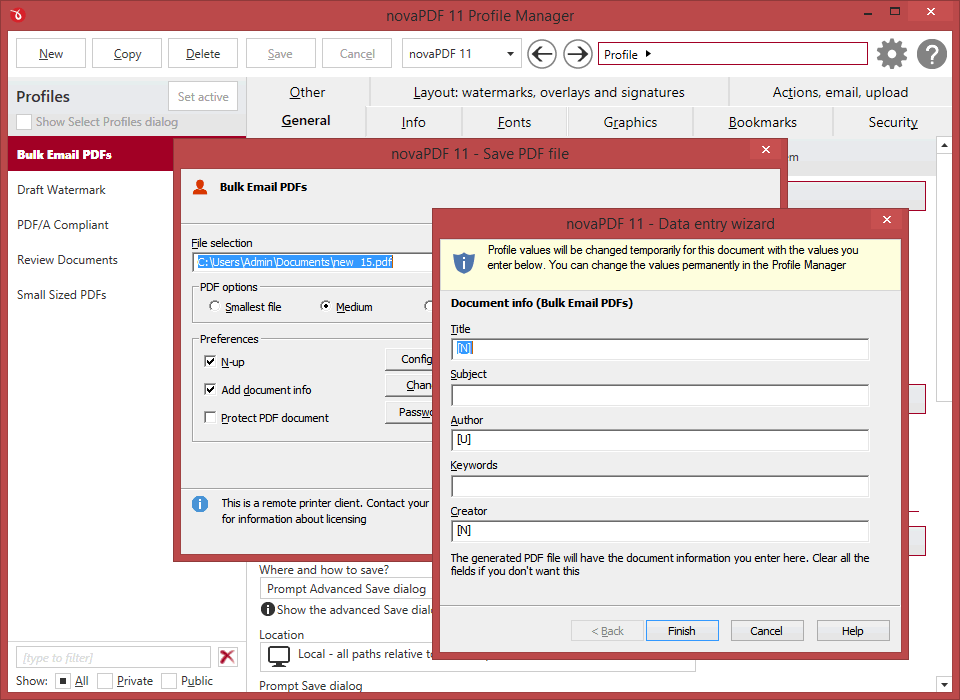
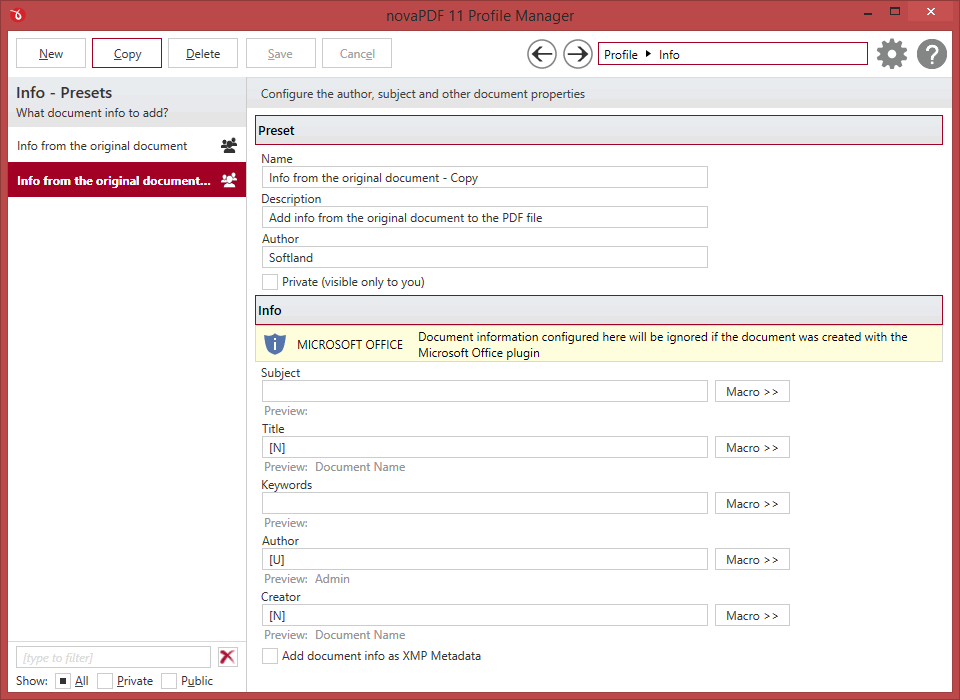
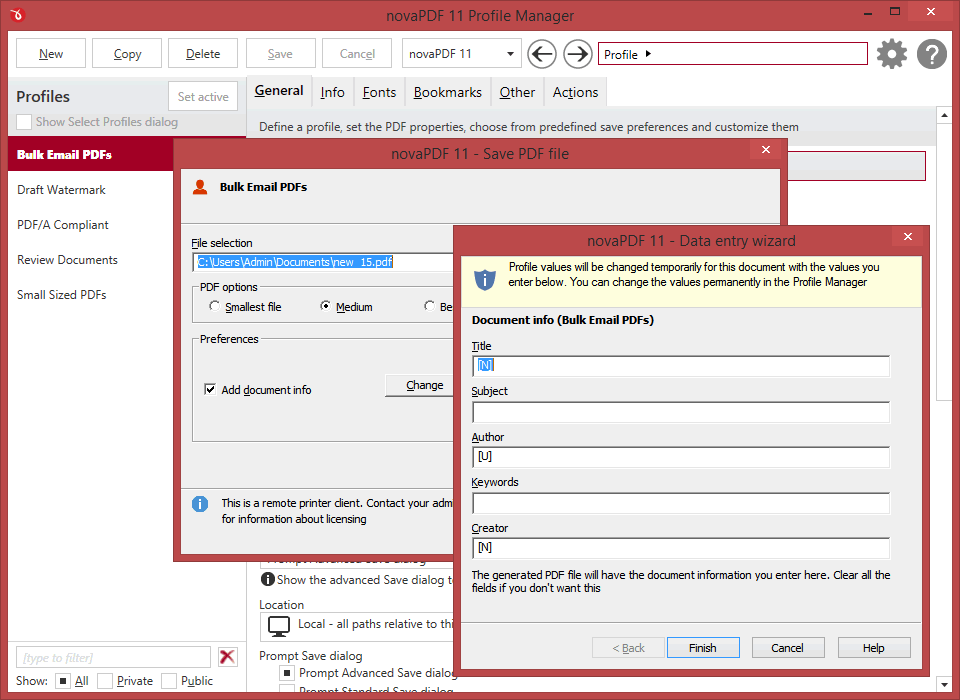
Aside the regular document information (title, subject, author, keywords), novaPDF can also include extra copyright metadata that will show up in the properties of the resulting PDF file. You can set predefined "Copyrighted/Public Domain" metadata or add your custom copyright one.
All editions
After save actions
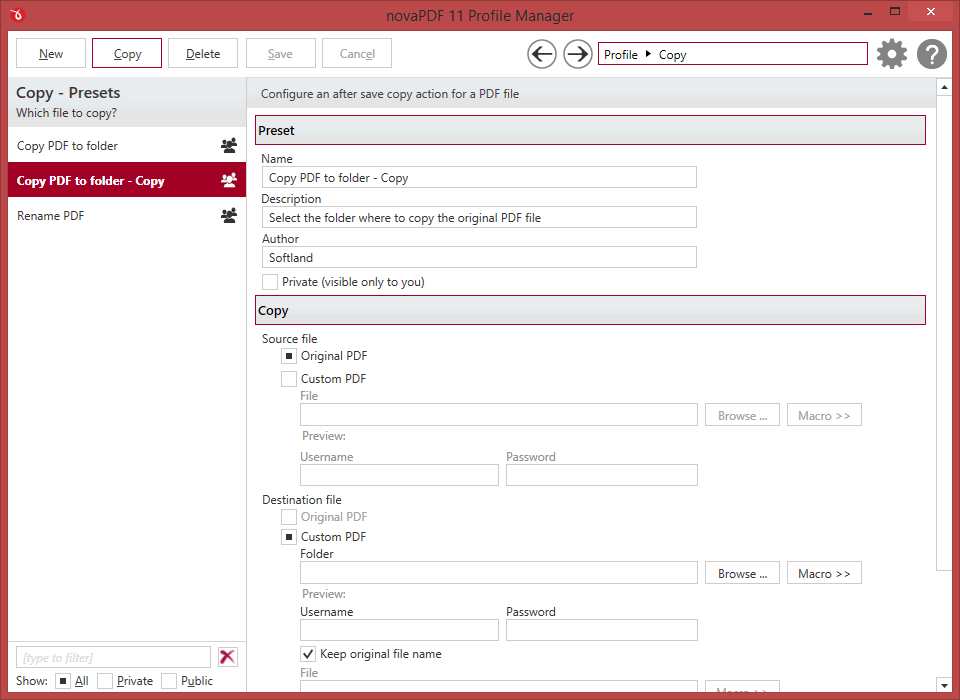
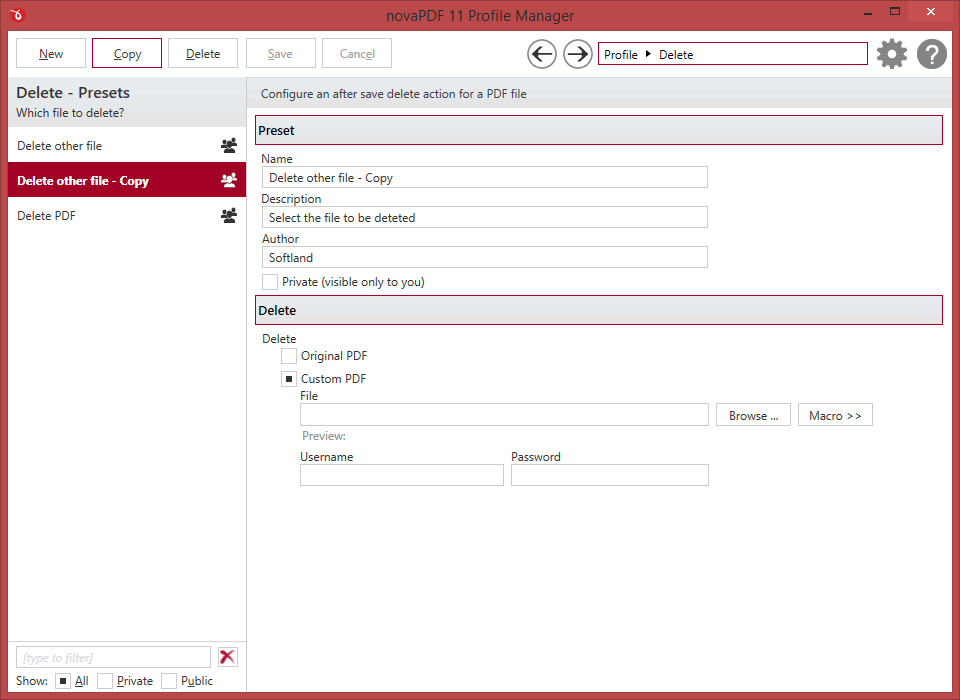
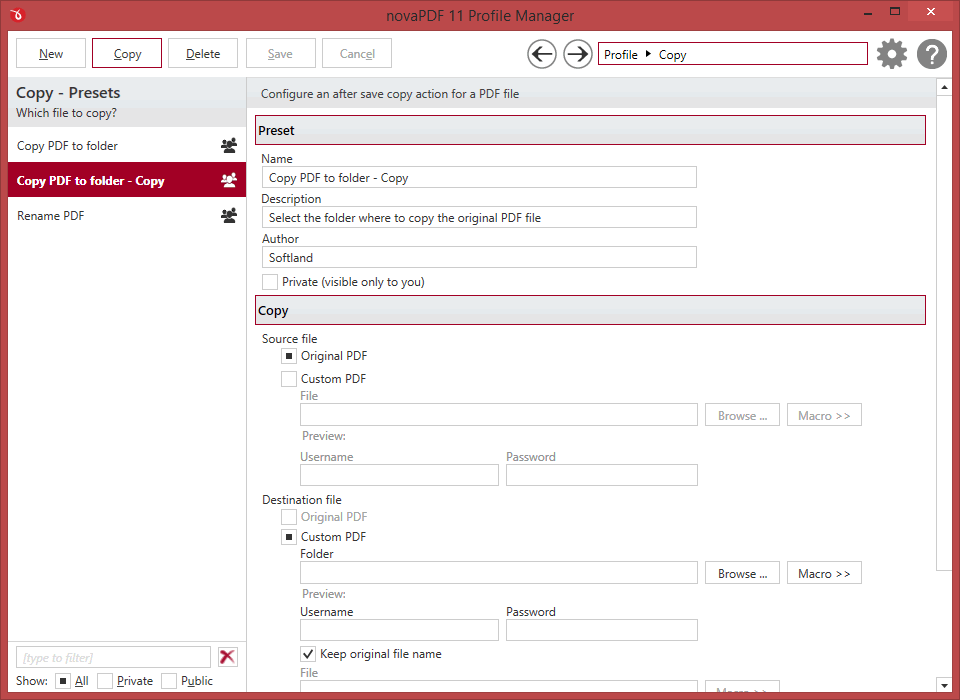
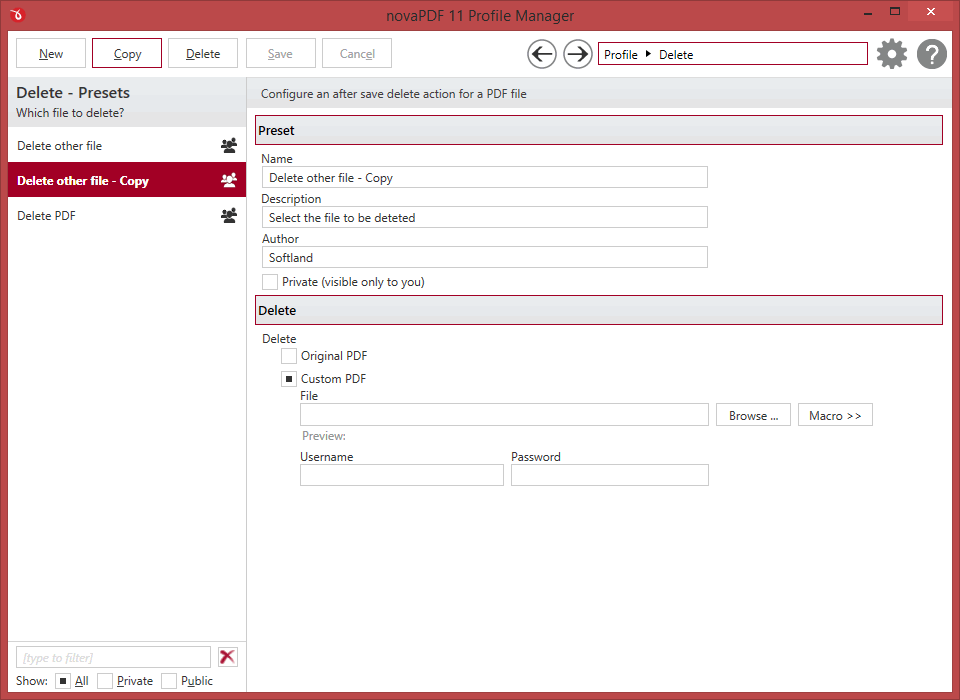
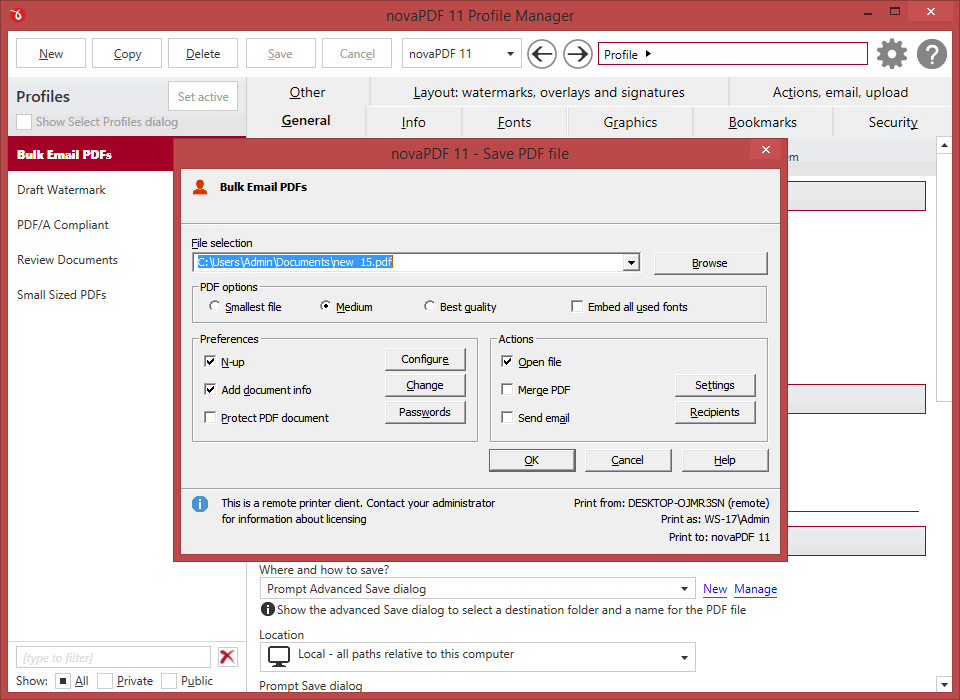
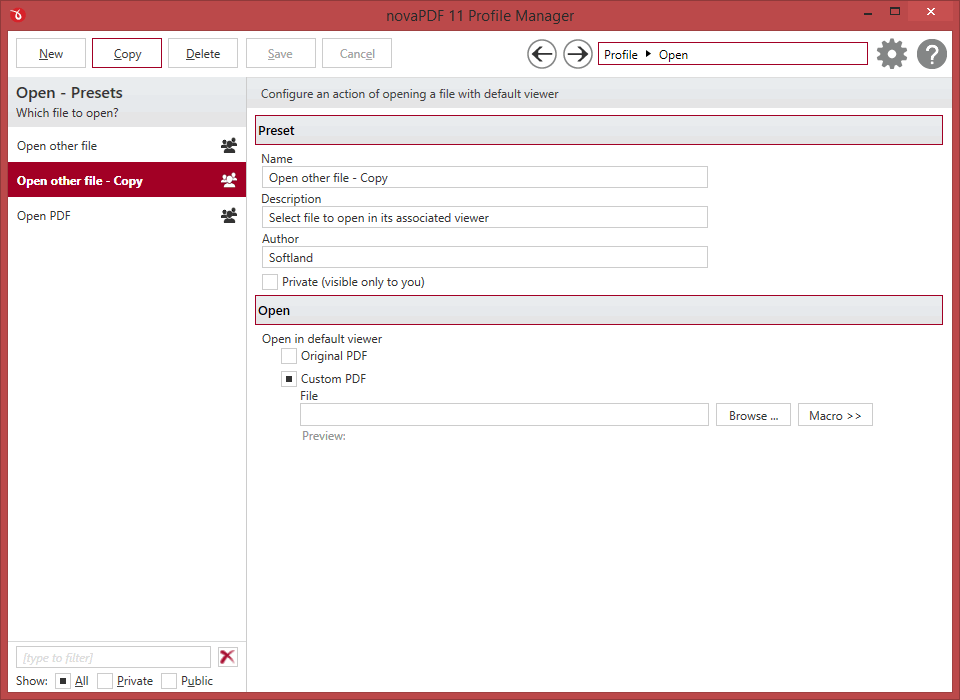
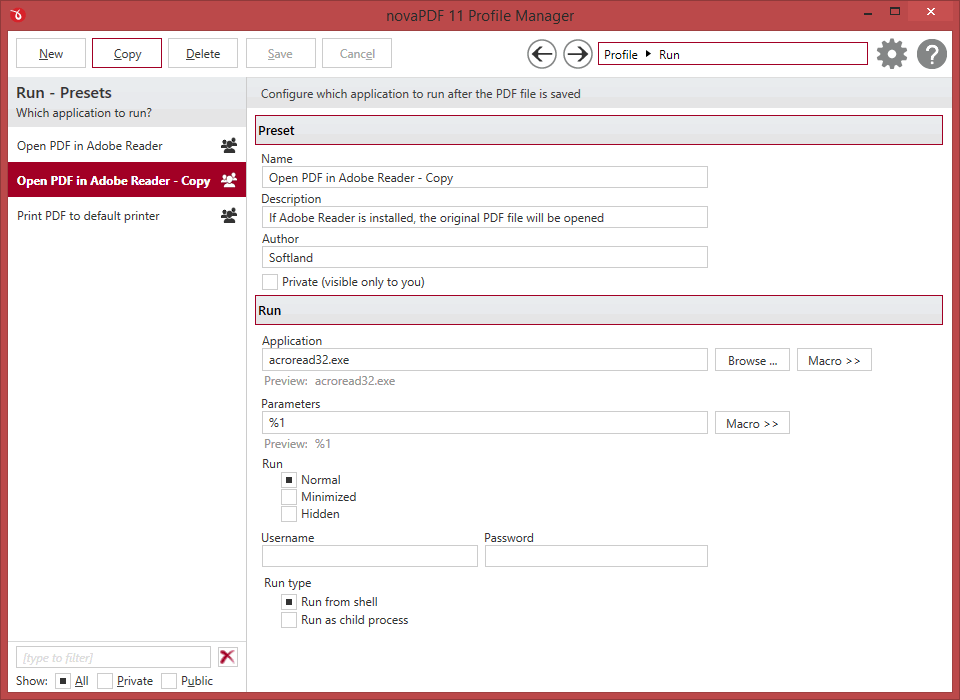
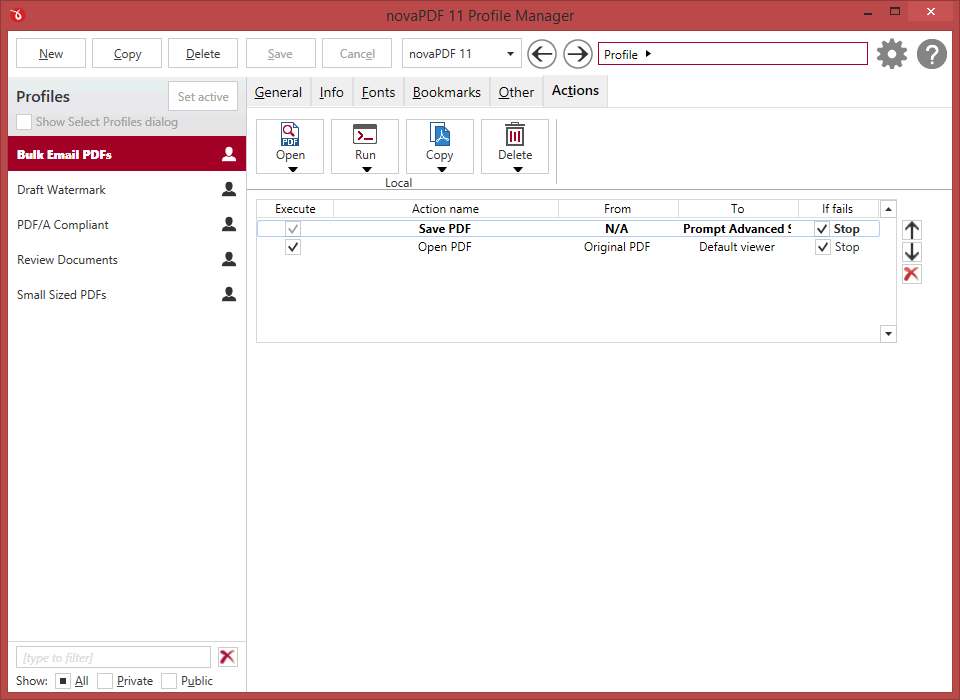
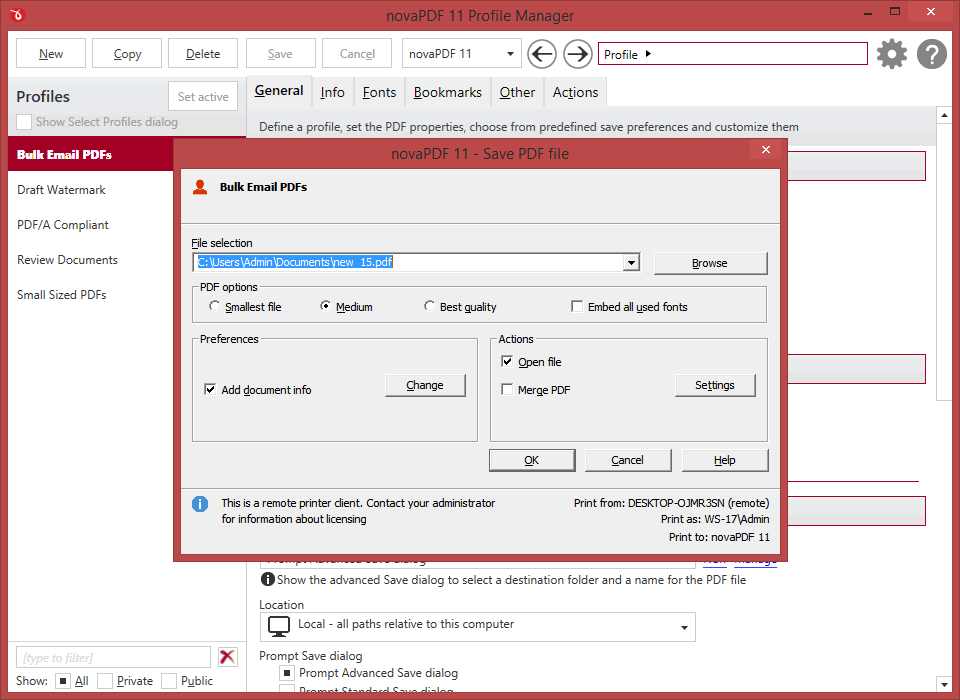
Custom actions can be defined to be performed after the PDF was successfully generated, such as opening (or not) the PDF file with the default viewer once it's created, or running a custom application with given parameters.
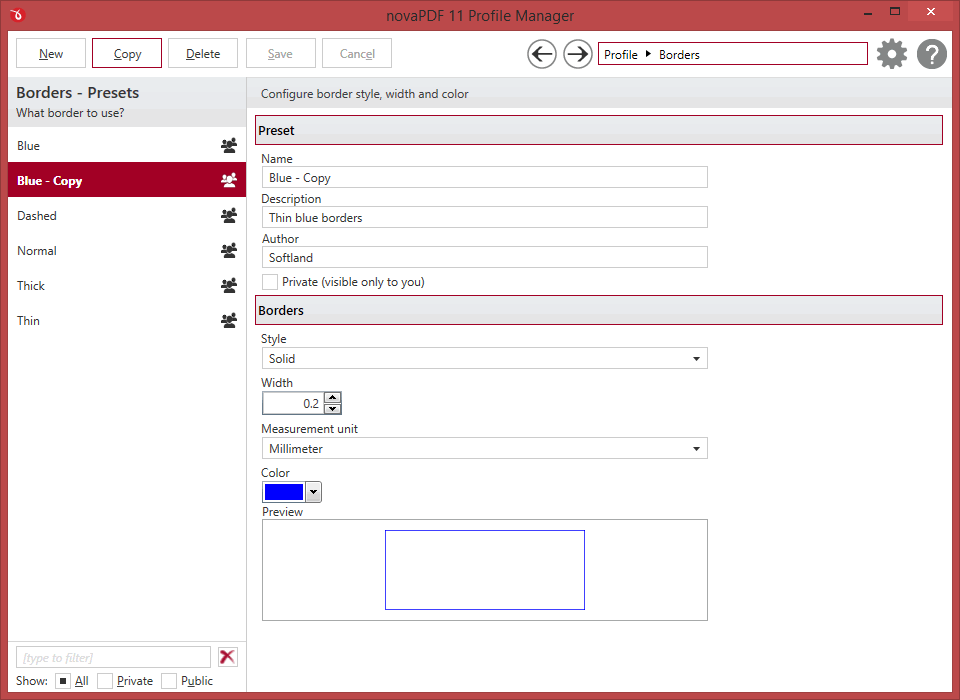
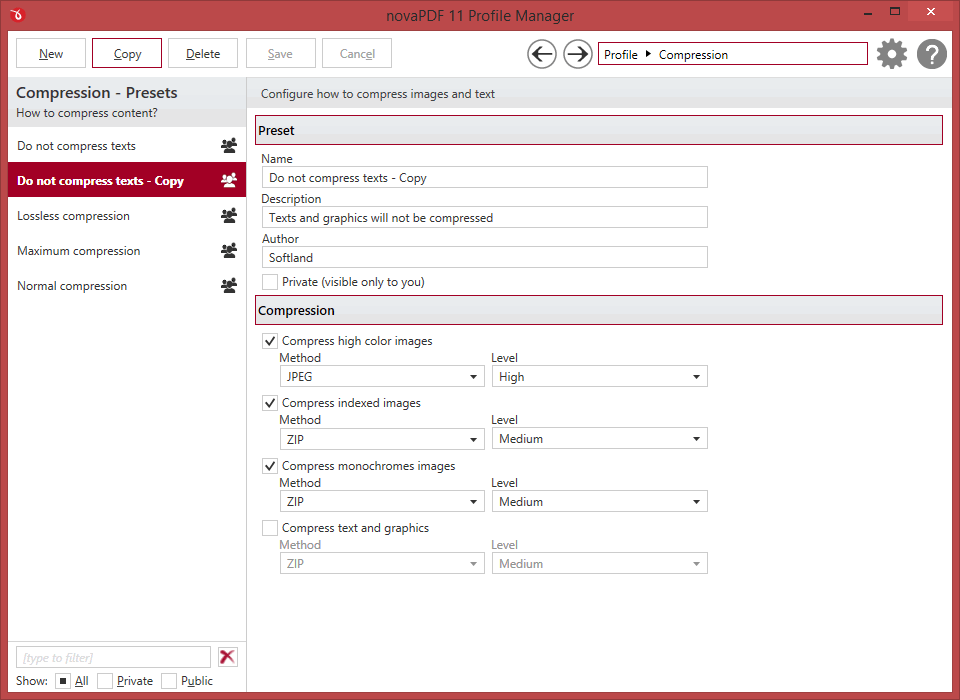
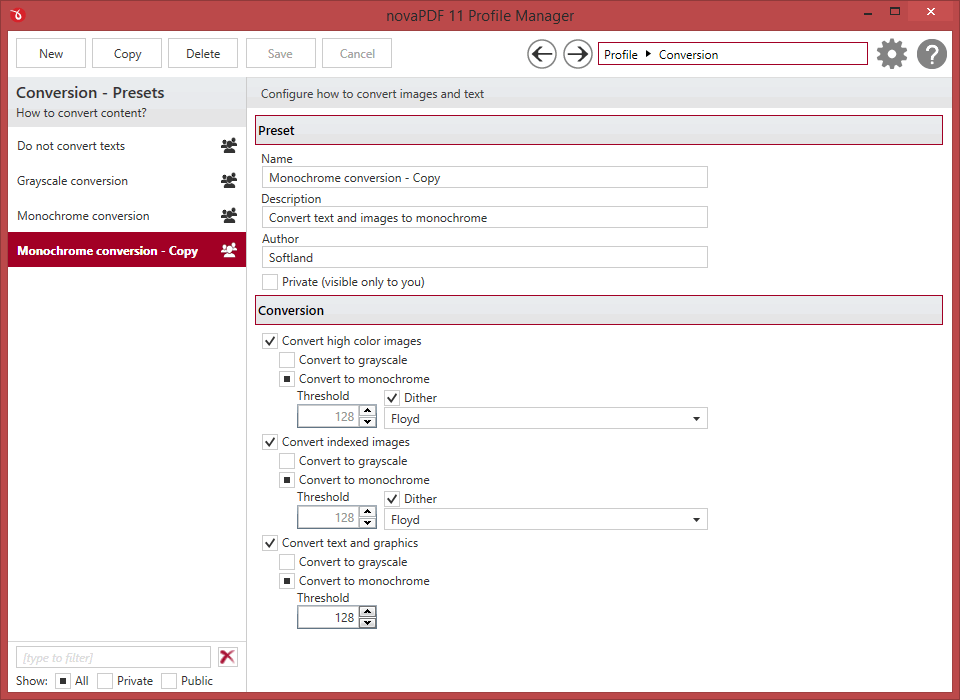
Screenshots
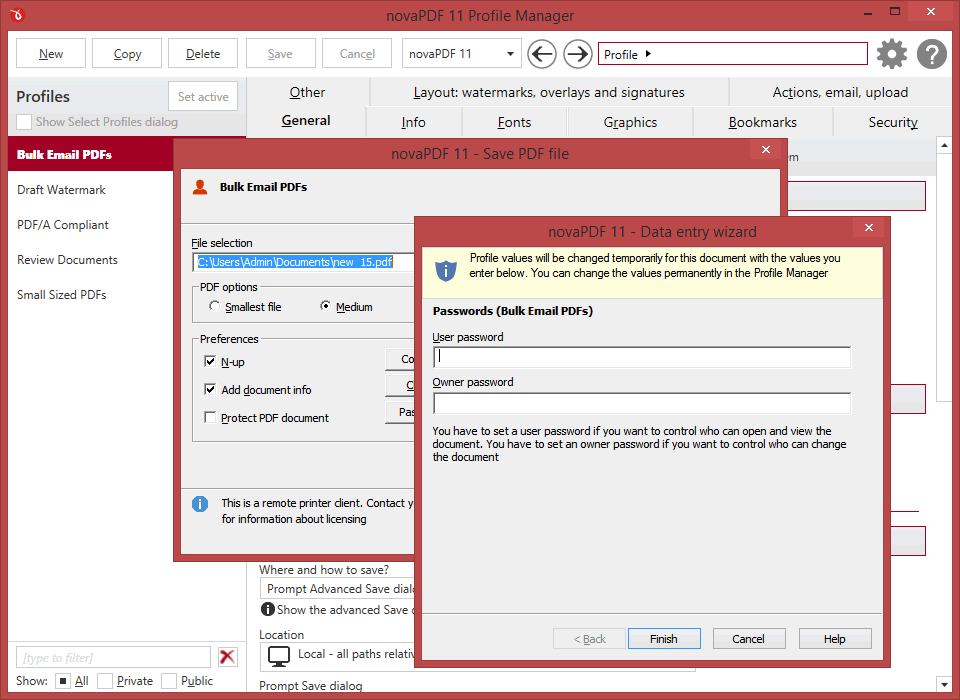
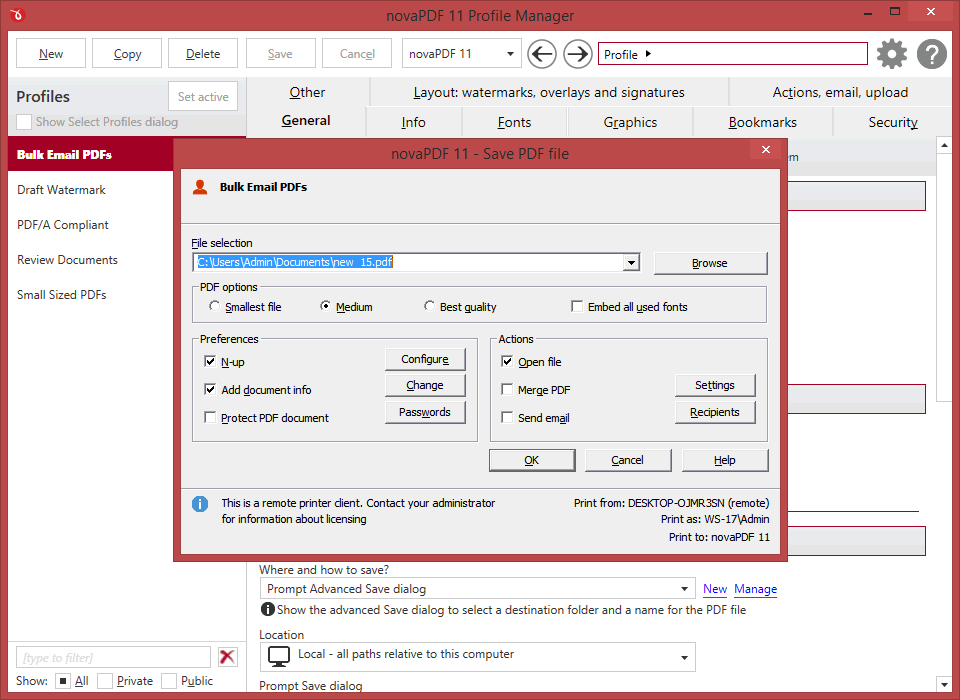
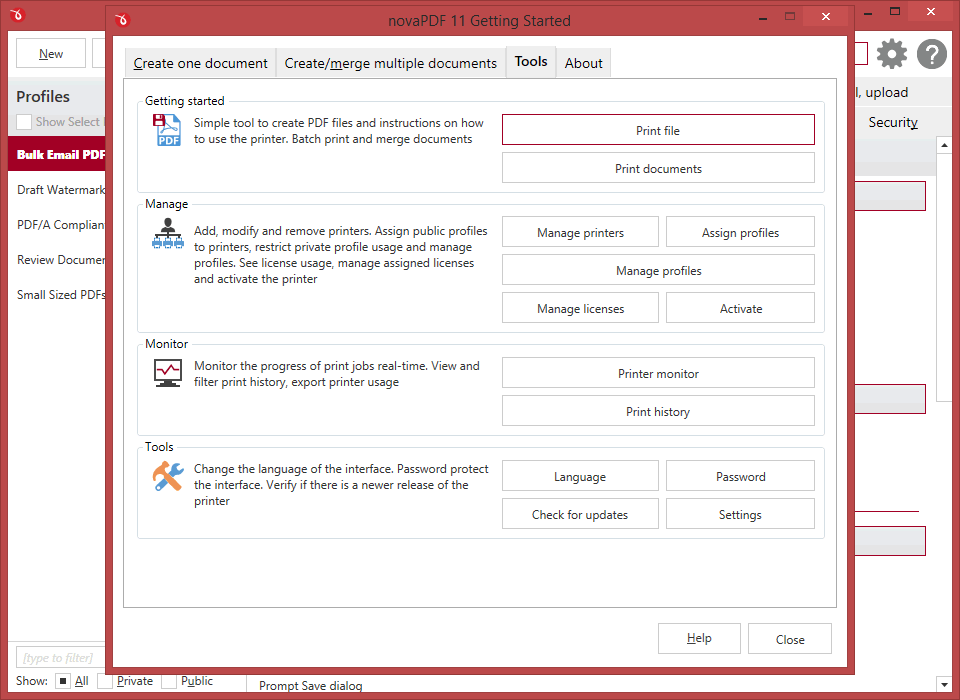
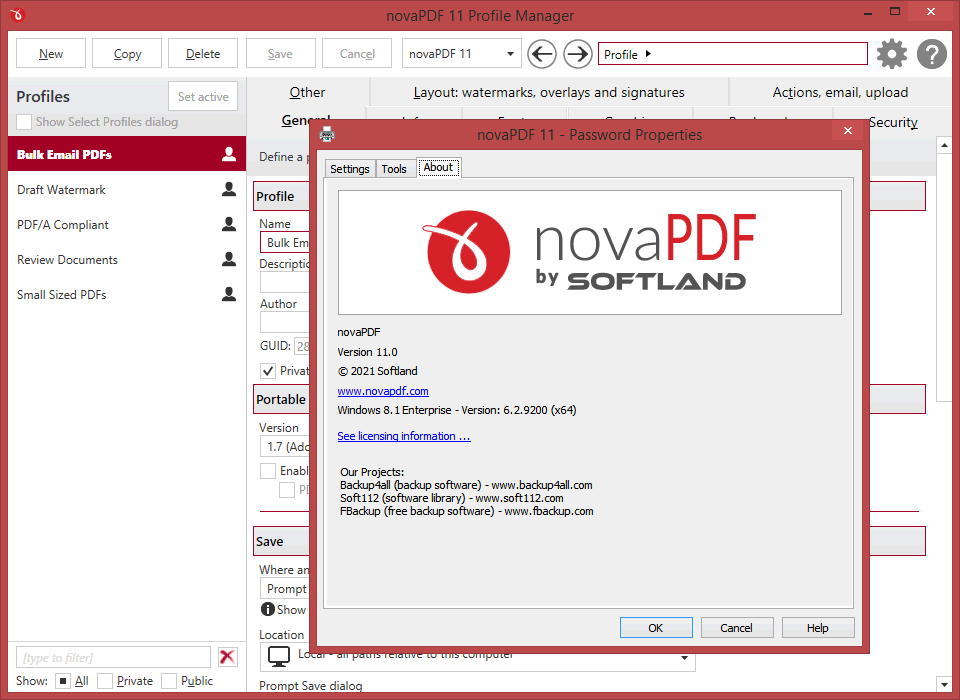
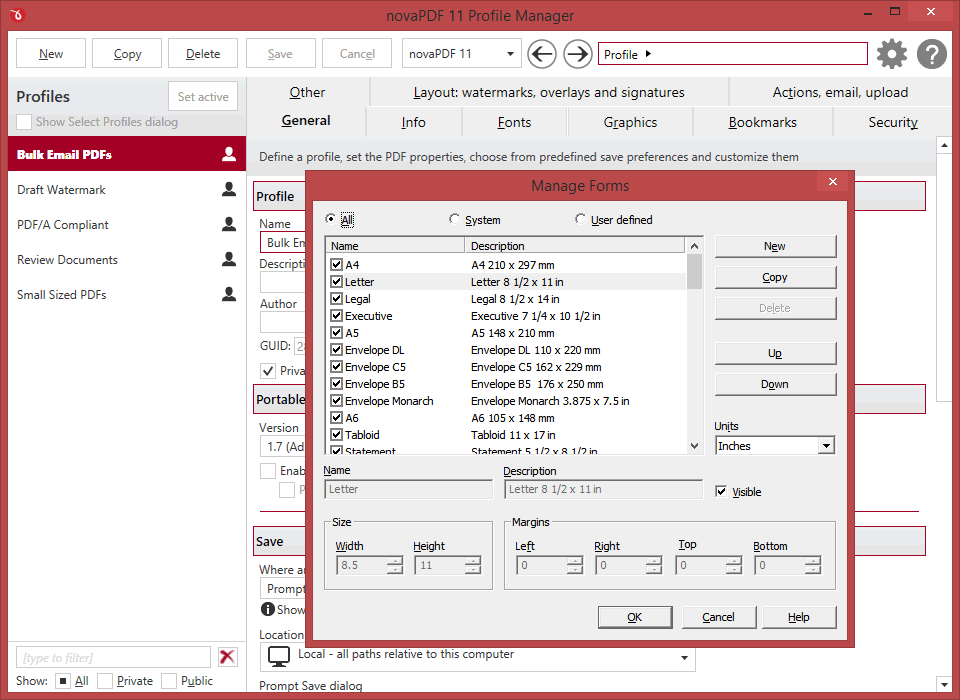
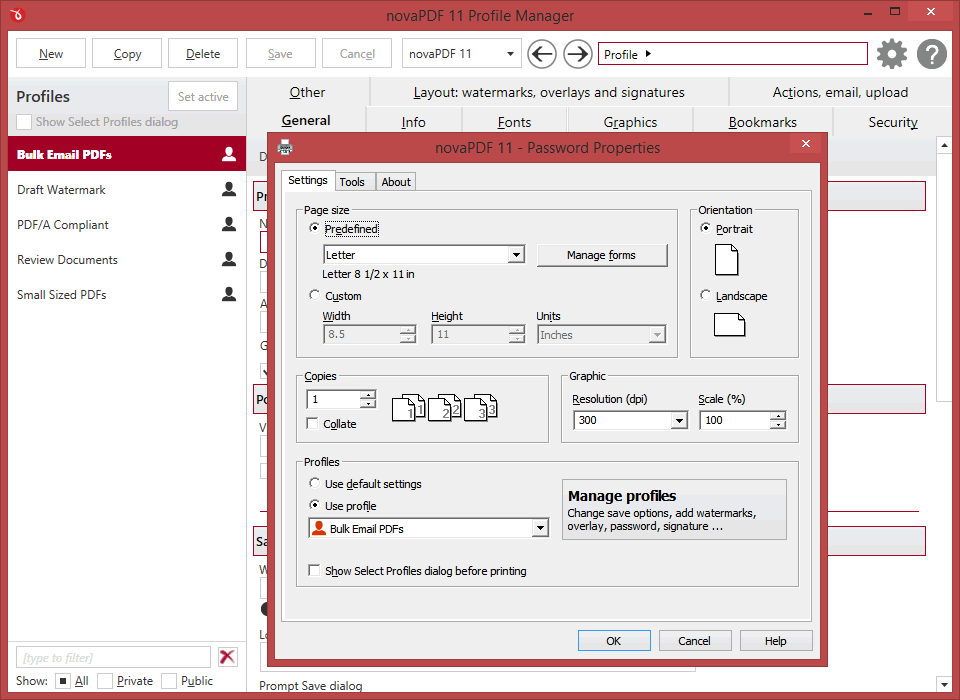
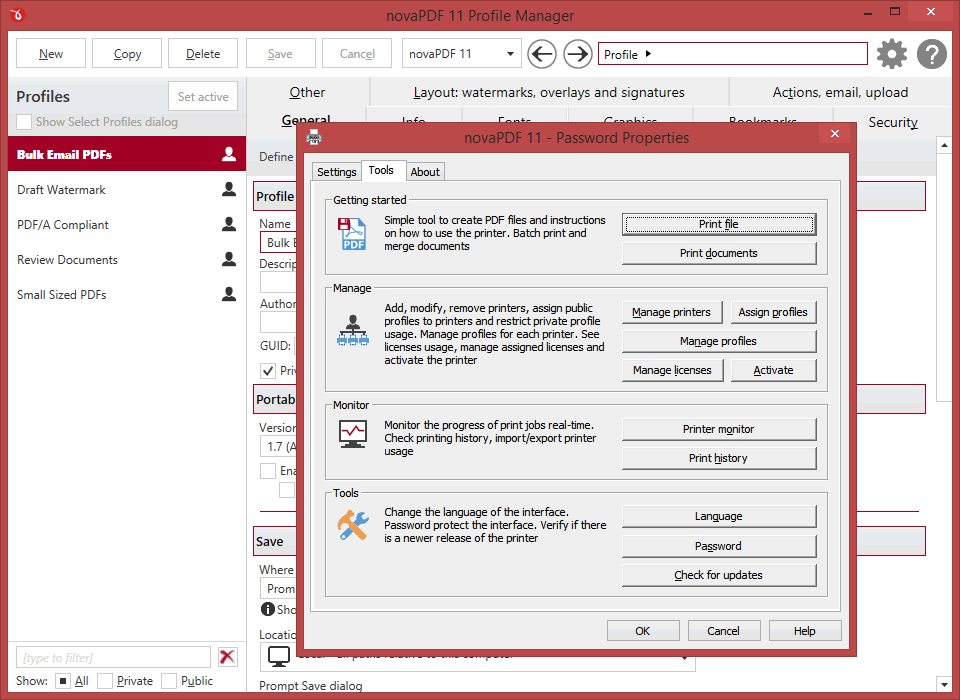
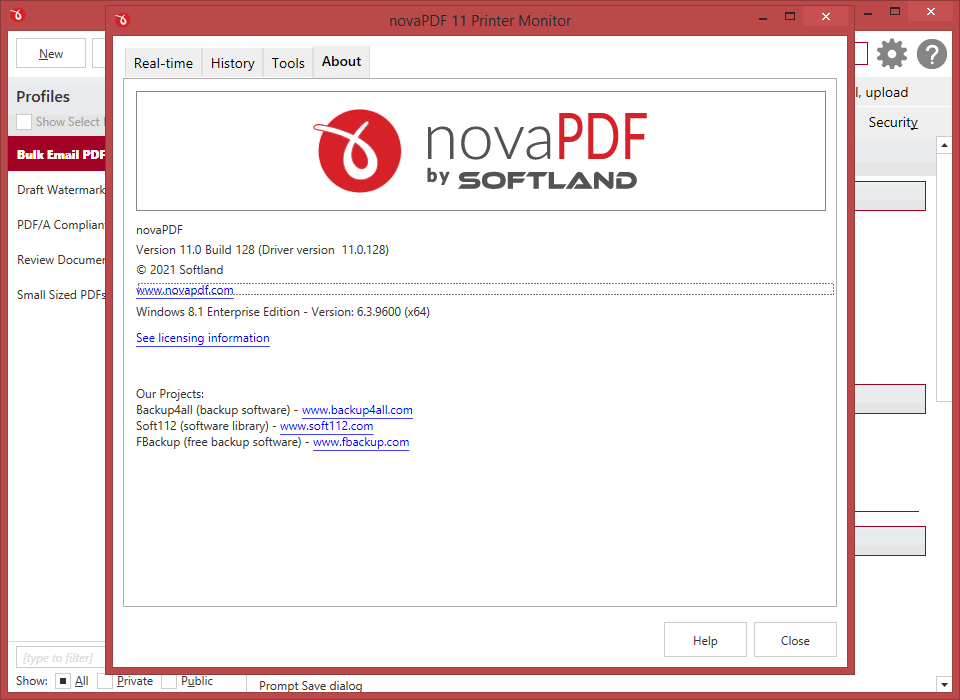
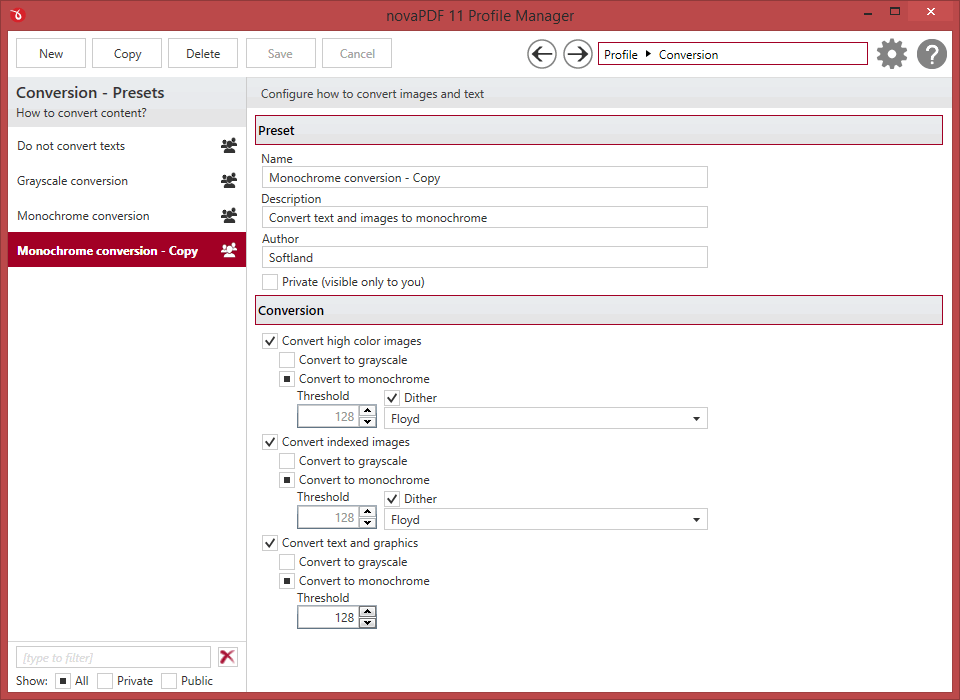
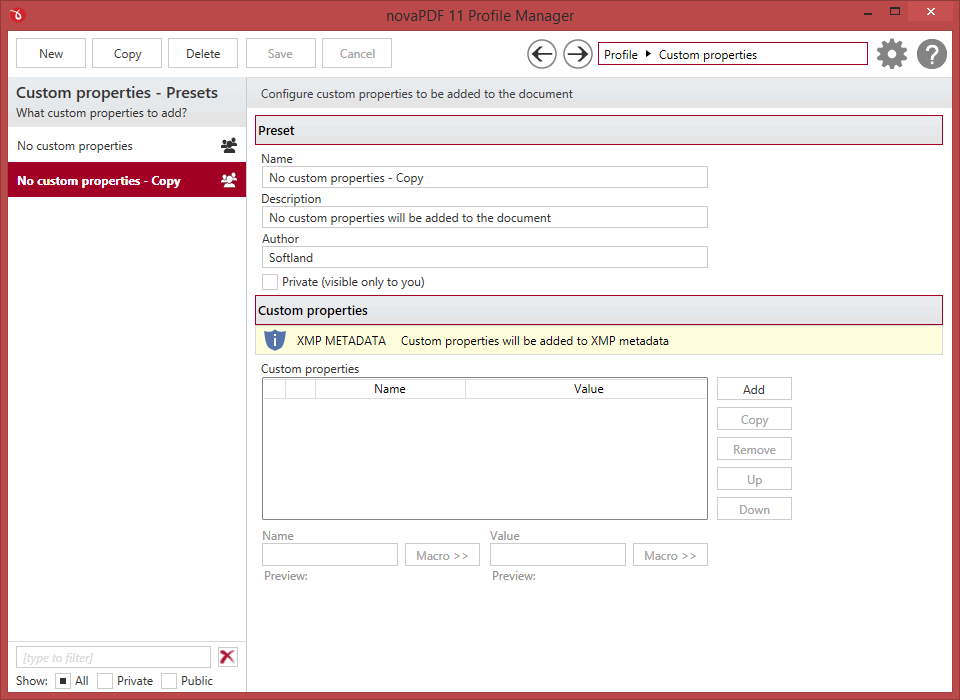
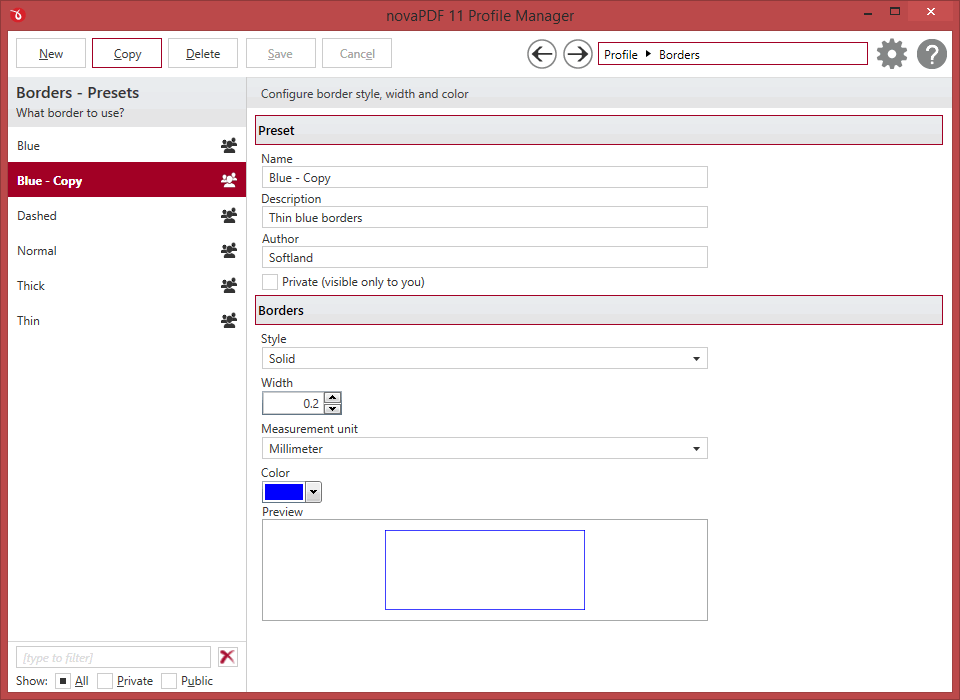
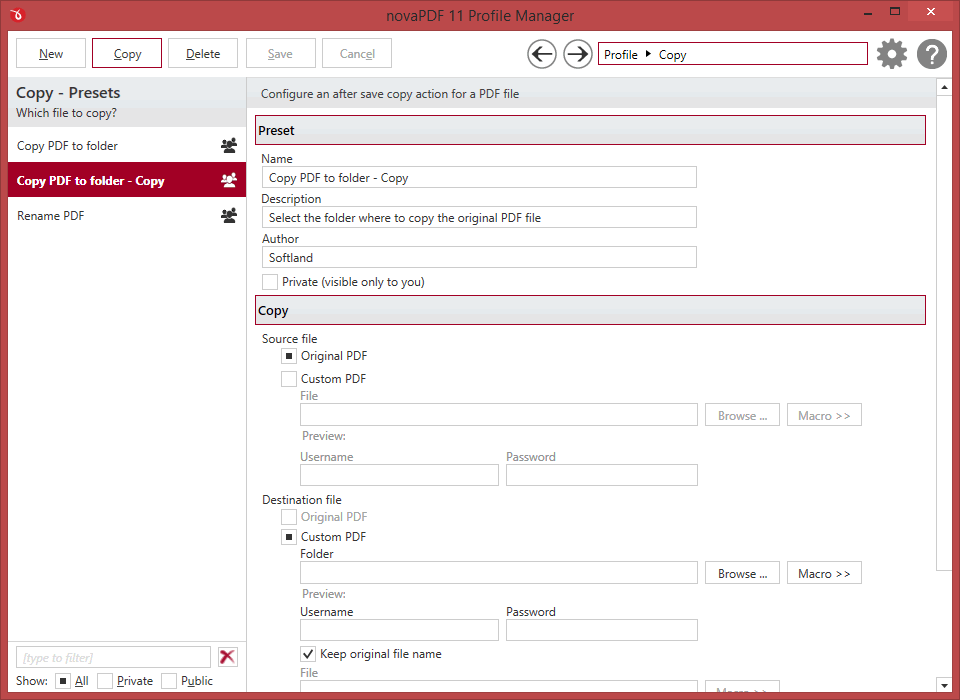
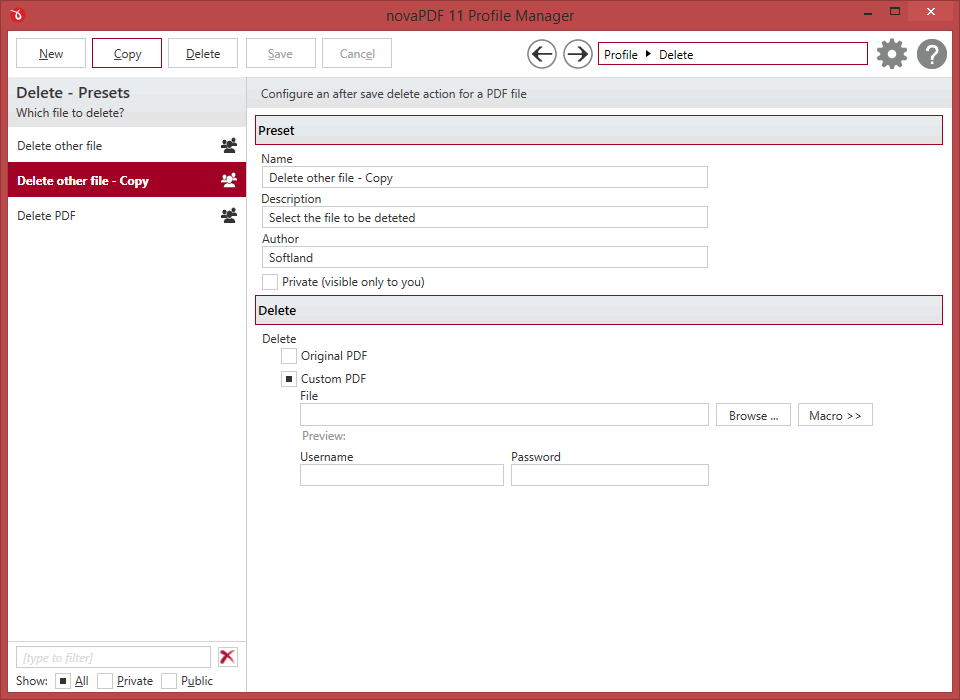
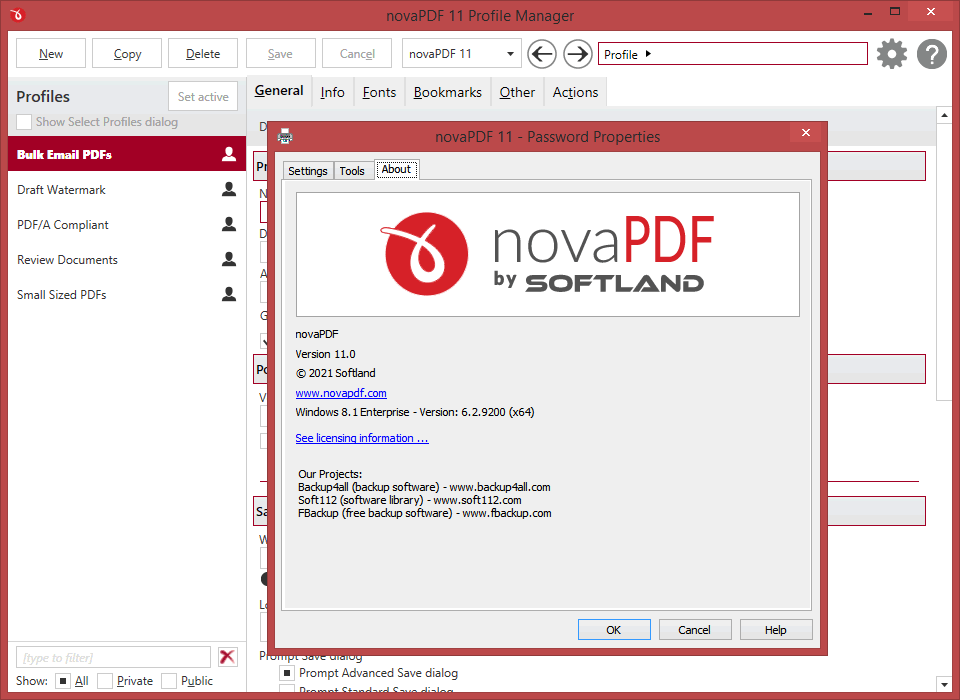
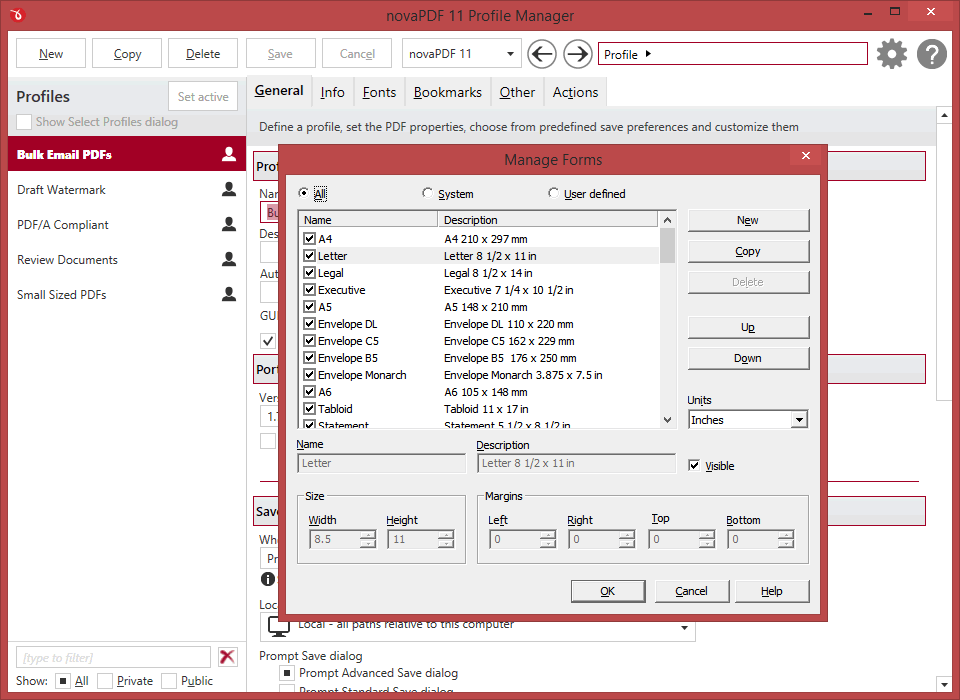
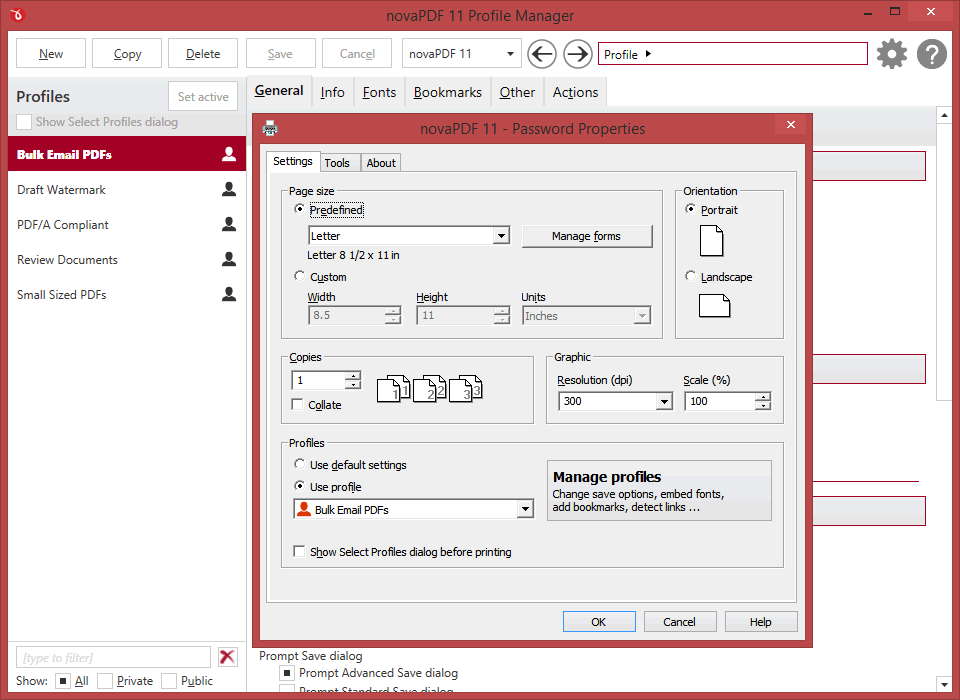
Screenshots of novaPDF under Windows 10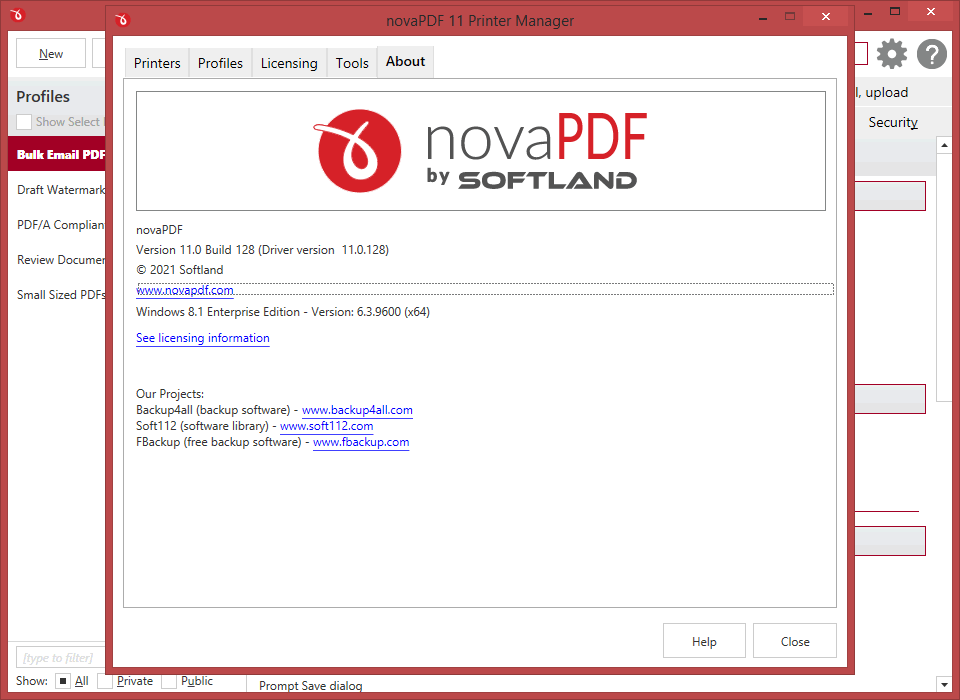
Version history
Stay up to date with the latest changesHave an older version? See changelogs below: